What's new?

Keep up with the latest releases, improvements, and fixes.

New Sell bundles

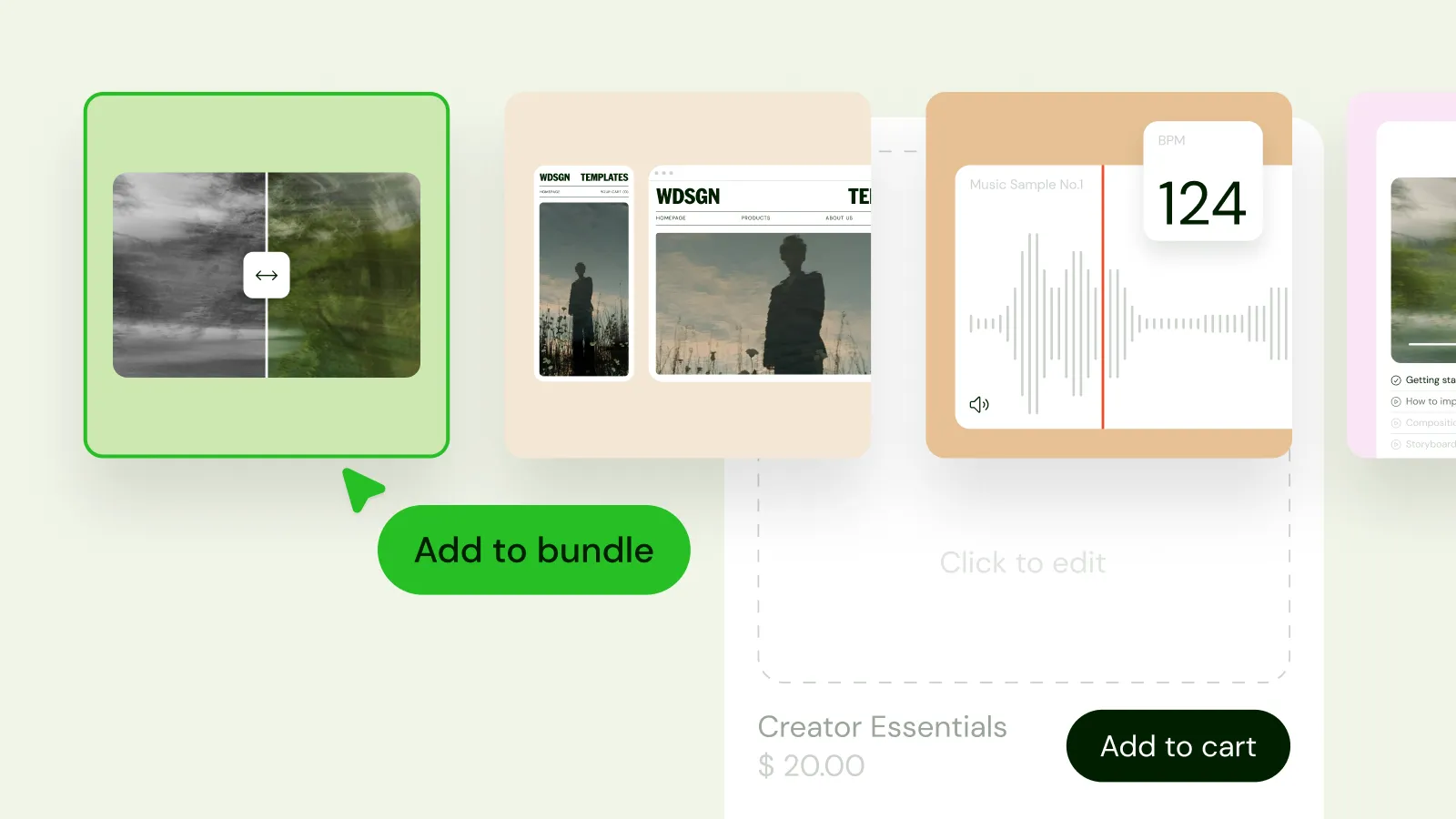
Bundles are here. Group several digital products into one offer and sell them together at a special price.

How to use it: Create a bundle, choose the products to include, and set one combined price. A few ideas:

  • Pair an ebook with its templates or workbook.
  • Sell a full preset or brush collection at a discount.
  • Offer a "starter pack" of your best-sellers to first-time buyers.

Bundles are a simple way to raise your average order value. Right now they support digital products only.

Custom fields in order exports

Your CSV order exports now include custom fields. Checkout-level fields appear once per order, and product-level fields appear next to the product they belong to.

Affiliate commission status

The affiliate commissions table has a new Status column showing which commissions are paid and which are still pending.

License keys

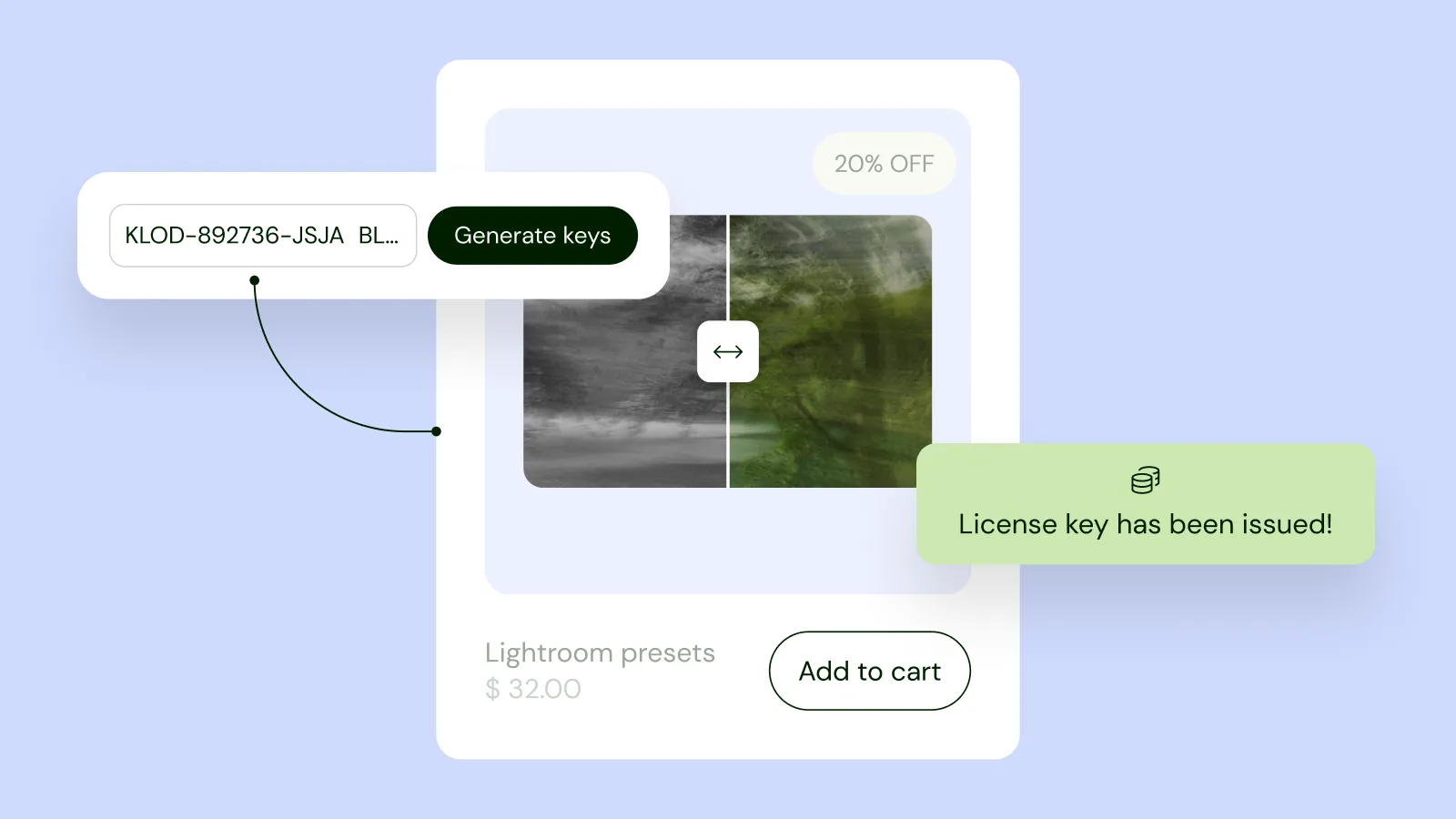
Give every buyer a unique license key with their purchase. This works for digital products and subscriptions, so it suits software, plugins, game mods, fonts and members-only content.

How to use it: Open your product, go to Advanced settings, and turn on license keys. Then pick one:

  • Auto-generated: Sellfy creates a unique key for each order.
  • Your own list: upload keys you've already made, and Sellfy hands them out one at a time.

If someone buys three copies, they get three separate keys. You can check whether a key is valid through the new Sellfy API, and new webhook events let your own systems react when keys are issued or used.

Sellfy API

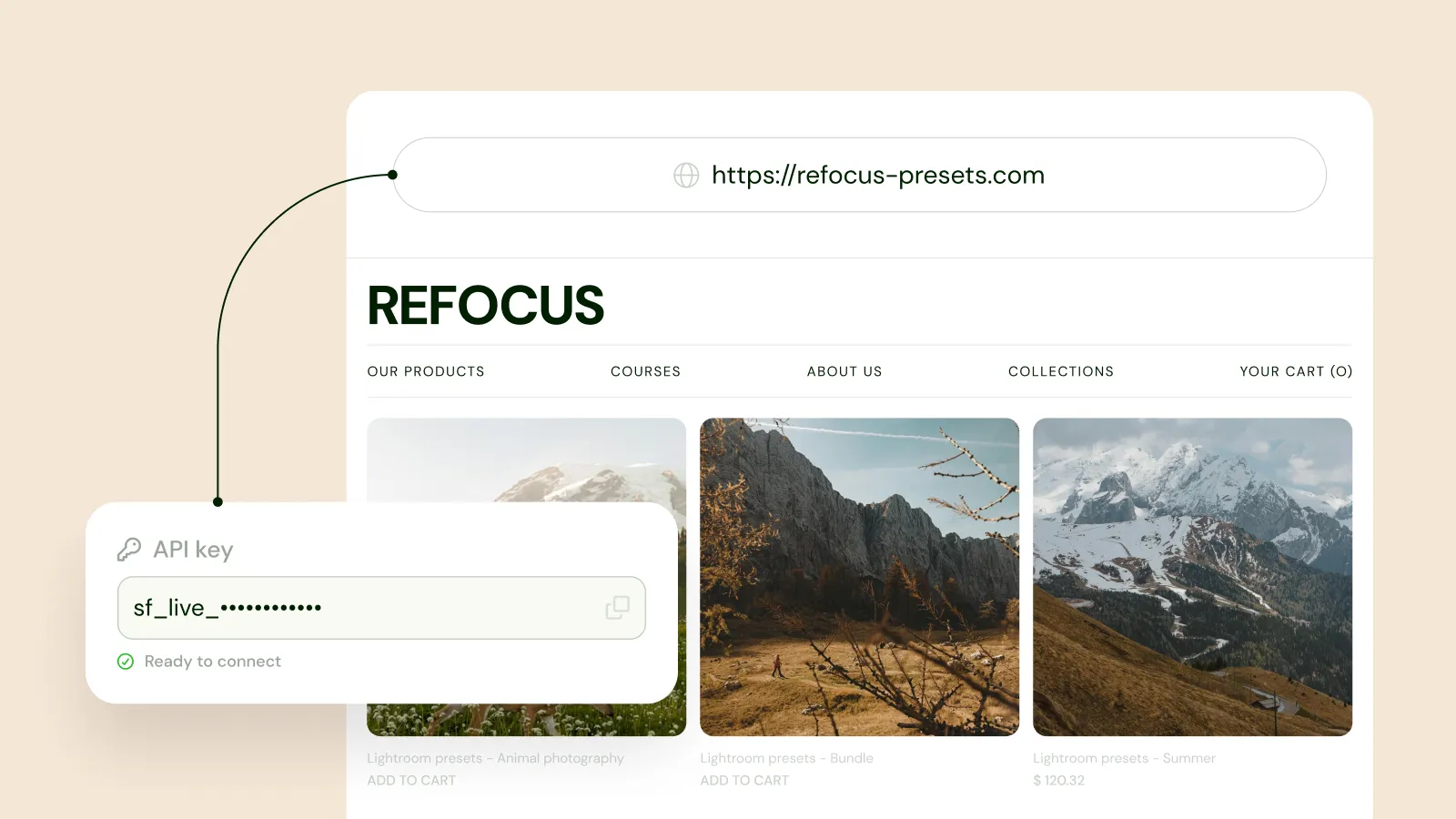
You can now connect your Sellfy store to your own tools and apps. We're starting with license keys and adding more over time.

How to use it: Go to Integrations → API keys to generate a key, then see the docs at api.sellfy.com. You'll find it in the new Integrations section, which now brings Embed, Apps, Webhooks and API keys together in one place.

Limit how many copies a product can sell

Set a total sales cap for a product, for example a limited edition of 100 copies. Once you hit the cap, the product shows as sold out.

How to use it: Turn on Limit product sales in the product settings and enter the total number of copies. The cap applies across all variants combined. If every variant sells out before you reach the cap, the product also shows as sold out.

Discounts for whole categories

Coupons and sales can now target a category as well as individual products. When creating a discount, choose All products, Specific products, or Specific categories. With "All products" or "Specific categories", you can also exclude products you don't want discounted.

Example: run a 20% sale on your whole "Templates" category, and leave out your premium bundle.

Compare-at price

Show a product's original price crossed out next to its current price, so buyers can see the deal at a glance.

How to use it: Add a compare-at price to any digital or physical product. The higher price appears with a strikethrough on your store and product pages. It's display-only, so checkout and invoices always use the real price.

If a product also has a sale discount or pay-what-you-want pricing, those take priority over the compare-at price.

Preview thumbnails in the video player

Hover over the progress bar and you'll see a thumbnail of that moment in the video. Buyers can jump straight to the part they want, which helps with long tutorials and courses.

Mailaway is now in the Sellfy app marketplace

Mailaway is our email marketing tool, and you can now connect it from the Sellfy app marketplace. Your customers and newsletter subscribers sync over automatically, so there's no exporting or uploading CSV files.

Deleted files stay in your File library for 30 days

Deleting a product or removing a file from one no longer erases the file right away. It stays in your File library for 30 days, so you can reattach it to another product. After 30 days, any file that hasn't been reused is permanently deleted.

Audio streaming

You can now sell audio that buyers play in their browser. Sellfy's player supports MP3, FLAC, WAV and other audio formats.

How to use it: Upload your audio file, then choose whether buyers can stream it, download it, or do both. This works well for music, podcasts, guided meditations and audio courses. Streaming-only is handy if you'd rather not hand out the file.

Search and filter your discounts

Finding the right coupon or sale is now quicker.

  • Search by discount name or coupon code.
  • Filter by status (active, inactive, scheduled) or by type (sale or coupon).

Duplicate a discount

Reuse any coupon or sale by duplicating it. The copy starts as inactive, so you can edit it without affecting your live store.

Better video streaming

Watching a video you bought on Sellfy is now smoother.

  • Play comes first. Streamable products show a Play button. If a product isn't downloadable, the download button is hidden.
  • No pop-ups. The video plays right on the order confirmation page.
  • Cast to your TV. Buyers can send videos to Chromecast and AirPlay devices.
  • Stronger protection against sharing. Stream links only work on the buyer's own network, so a copied link won't play for someone else.

Easier subscription management for buyers

Buyers can now manage their subscription from one page. The Cancel subscription button sits in the sidebar instead of being tucked away, and invoices are listed right on the same page. The separate "Purchase details" page is gone.

Safer cloud-hosted files

Two improvements for products that link to files hosted elsewhere:

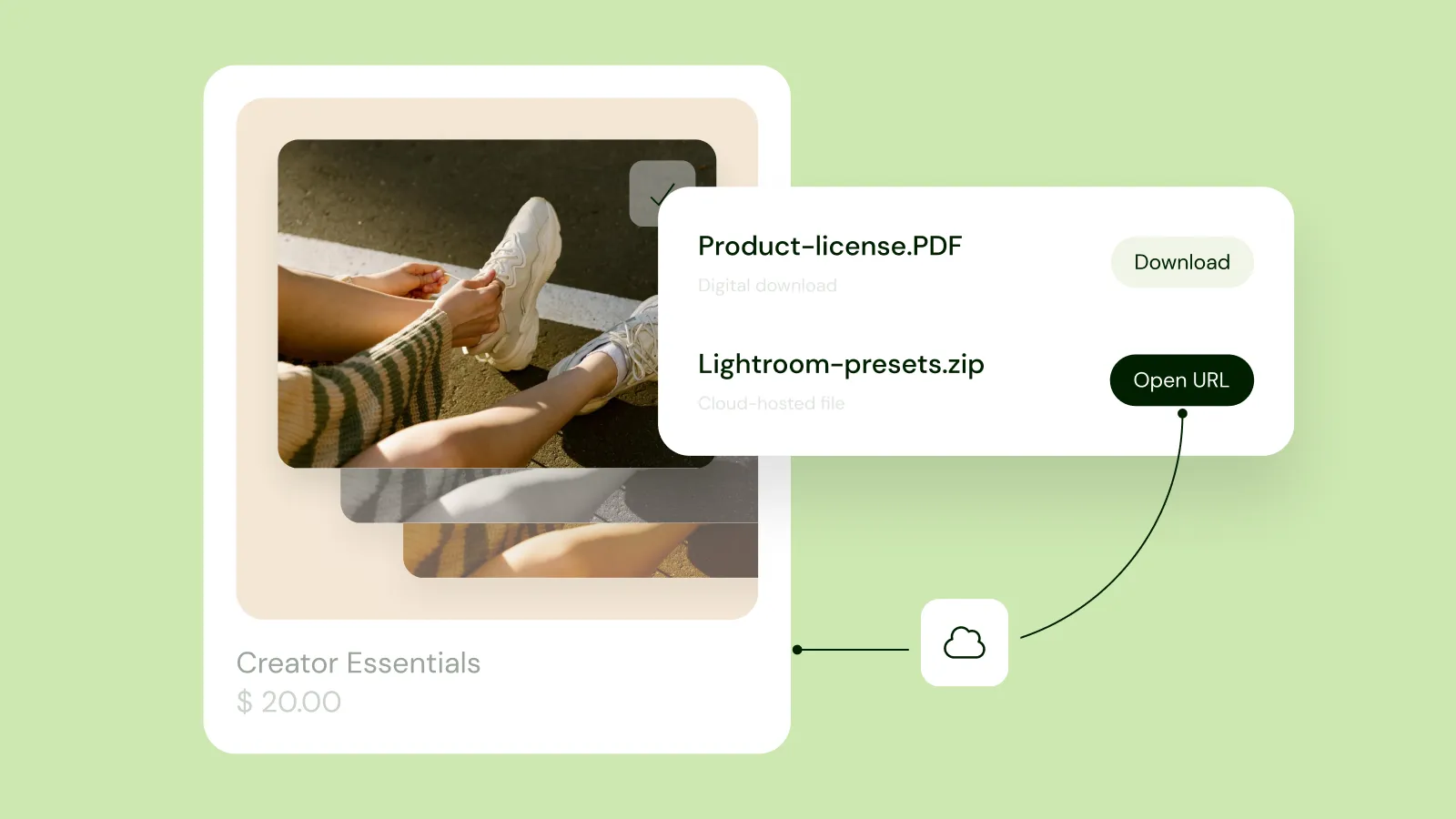
  • Harder to copy and share. Buyers open the file by clicking a button, so the link is no longer sitting there to copy and paste. For file downloads, the address doesn't even show in the browser's address bar.
  • See who accessed the file. You can now see whether a customer opened a cloud-hosted file through the View content button. This can help when you're reviewing a refund request or a chargeback.

Buy a custom domain through Sellfy

You can now buy a domain for your store without leaving Sellfy, or connect one you already own. Domains you buy through Sellfy connect to your store automatically, so there's nothing to configure.

Domain purchases are non-refundable.

Connect more than one domain

The Domains page has been rebuilt to make connecting a domain easier.

  • Connect several domains at once. This is handy when you're moving from one domain to another.
  • See exactly what to add. Sellfy now shows the DNS records you need to set up.
  • Choose a Primary domain. Turn on the Primary toggle for the domain you want as your store's main address. Your other domains, including your built-in Sellfy address, redirect to it.

Download your uploaded files again

You can once again download the files you've stored with Sellfy. We removed this earlier, and many of you told us you needed it, so it's back.