Sell on Pinterest
with 0% commission
A Pin you uploaded last year is still sending buyers today. Add your Sellfy store link and every Pin becomes a direct path to checkout. No Pinterest approval. No Etsy fees.
Start for free- 14-day free trial
- No card required
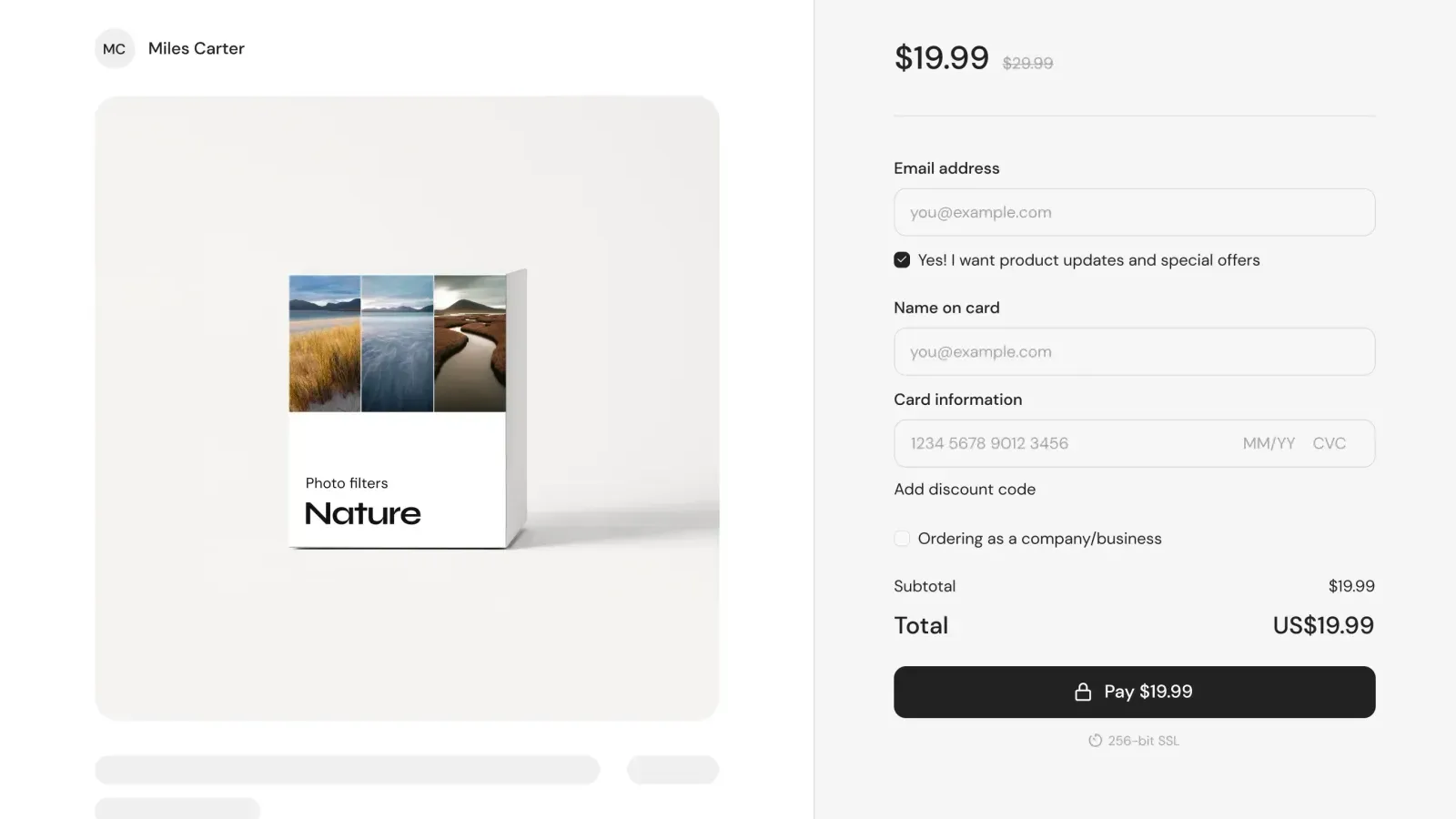




How to monetize your Pinterest audience step-by-step
Pinterest is a visual search engine. Pins stay discoverable for months. Sometimes years. Here’s how to turn that reach into revenue.
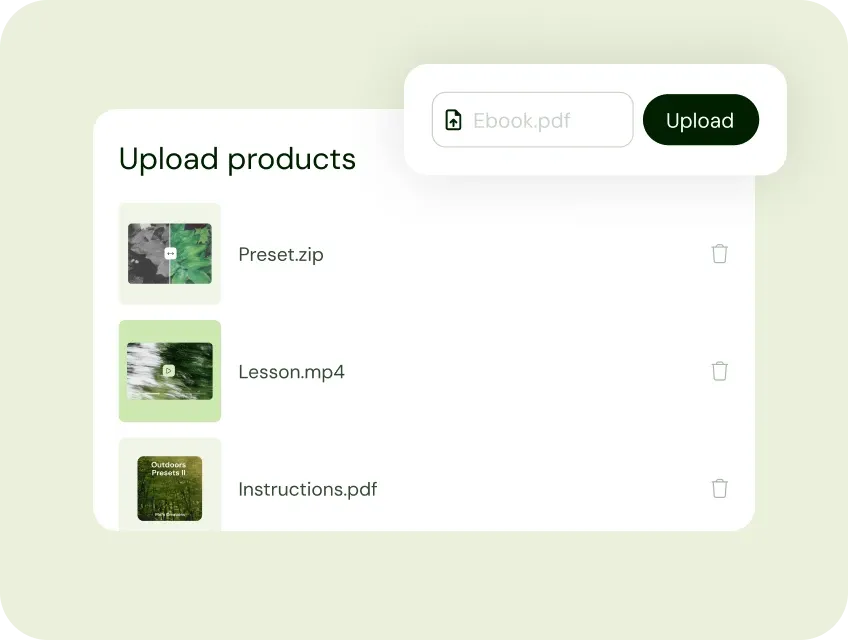
1. Add your products to Sellfy
Upload your products. Printables, planners, crochet patterns, Lightroom presets, Canva templates, recipe ebooks, art prints, or merch. All from one dashboard. No developer, no design skills needed.
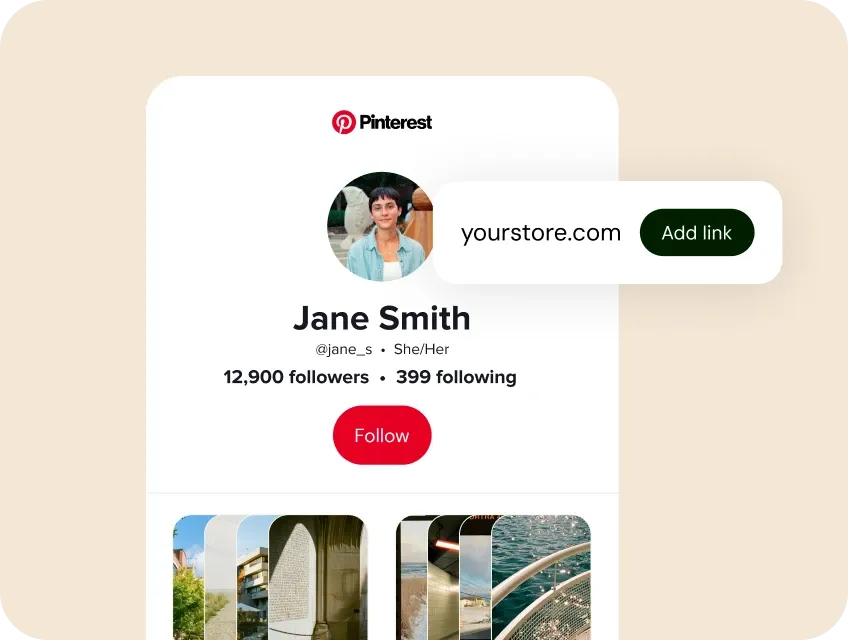
2. Add your Sellfy link in your Pinterest profile
Add your store URL to your Pinterest profile, or to individual Pins using the destination URL field. Every Pin becomes a permanent entry point, often for 18+ months.
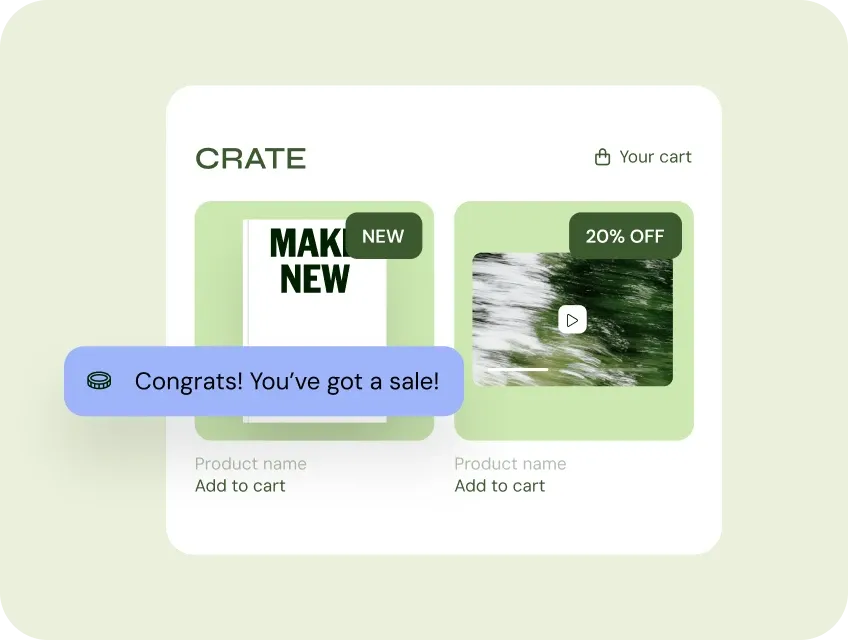
3. Get paid. Instantly.
When a buyer pays, the money lands in your Stripe or PayPal account the same day. No 14-day hold. No waiting to build a track record. Your digital products are delivered automatically. Physical and POD orders ship from our print partners.
Pinterest gets you the audience. Sellfy makes you money.
Pinterest is where discovery happens, a Pin from two years ago can still drive traffic today. Pinterest doesn't pay you for that traffic. Your audience does.
0% transaction fees, unlike Etsy
If you sell on Etsy, you’re already paying 6.5% per sale plus $0.20 per listing. Sellfy charges nothing on top of your subscription. Sell 10 products or 10,000 — the fee stays the same: zero.
Two indexed surfaces working for you
Pinterest Pins do get indexed by Google, which is a genuine advantage over most social platforms. But your Sellfy store adds a second, fully owned SEO property.
Instant payouts via Stripe and PayPal
When someone buys, the money lands in your Stripe or PayPal account the same day. No 14-day hold. No waiting to build a track record. Sellfy pays from your first sale.
One link sells everything you make
A printable planner, a Lightroom preset pack, and a branded tote. All in the same Sellfy store, behind the same profile link. Pinterest buyers don't switch platforms based on whether they're buying a PDF or a hoodie.
Built-in email marketing and cart recovery
Pinterest gives you zero buyer data. Sellfy captures every buyer’s email and lets you reach past buyers. Cart recovery emails follow up with visitors who clicked through from a Pin but didn’t complete their purchase.
No website required
You can sell on Pinterest without a website. Sellfy is the store. Drop the link in your Pinterest profile and you're selling. If you do have a site, a single embed code adds a buy button, a product card, or your full store to any page.
You're in good company
Join 75,000+ creators selling products with Sellfy

How Linda's crochet patterns from 2011 are still earning today
Linda Skuja taught herself to crochet from magazines. In 2011, she entered a competition and won the Best New Designer Prize, which led her to realize her patterns had commercial value. She set up her Sellfy store in 30 minutes and started uploading. She didn’t post on Pinterest. But crochet enthusiasts pin things they want to make later, and her designs started spreading through other people’s boards. Pinterest traffic came without her asking for it.
That’s how the back catalog builds. Patterns she published in 2011 are still bringing in buyers today.
"The moment I release a new pattern, create promo codes with Sellfy, and send out a newsletter. I can just sit back and relax and watch the sales come in!
Linda Skuja / Crochet pattern designer
“It’s really a ‘no stress’ kind of platform, and I can understand why so many people feel comfortable using it.”
EfikZara, content creator
Should you use Pinterest Shopping or Sellfy?
Pinterest Shopping is a native feature that lets you tag products in Pins and drive traffic to a connected shop. Digital products are supported in limited ways, and the approval process creates friction that most solo creators don’t need.
Sellfy is built for creators selling digital products, printables, templates, presets, or merch. Pinterest Shopping is built for e-commerce brands with approved catalogs and existing fulfillment operations. If you're not running a warehouse, you're in the first group.
FAQs
Your next Pin could be driving sales to your store.
Set up your Sellfy store, drop the link in your profile, and let the Pinterest traffic work.
Start for free