Sell on YouTube
without YouTube Shopping
A person who watched your 20-minute video is a warmer buyer than anyone who saw a 30-second TikTok. Put a Sellfy store link in your video description and start selling.
Start for free- 14-day free trial
- No card required
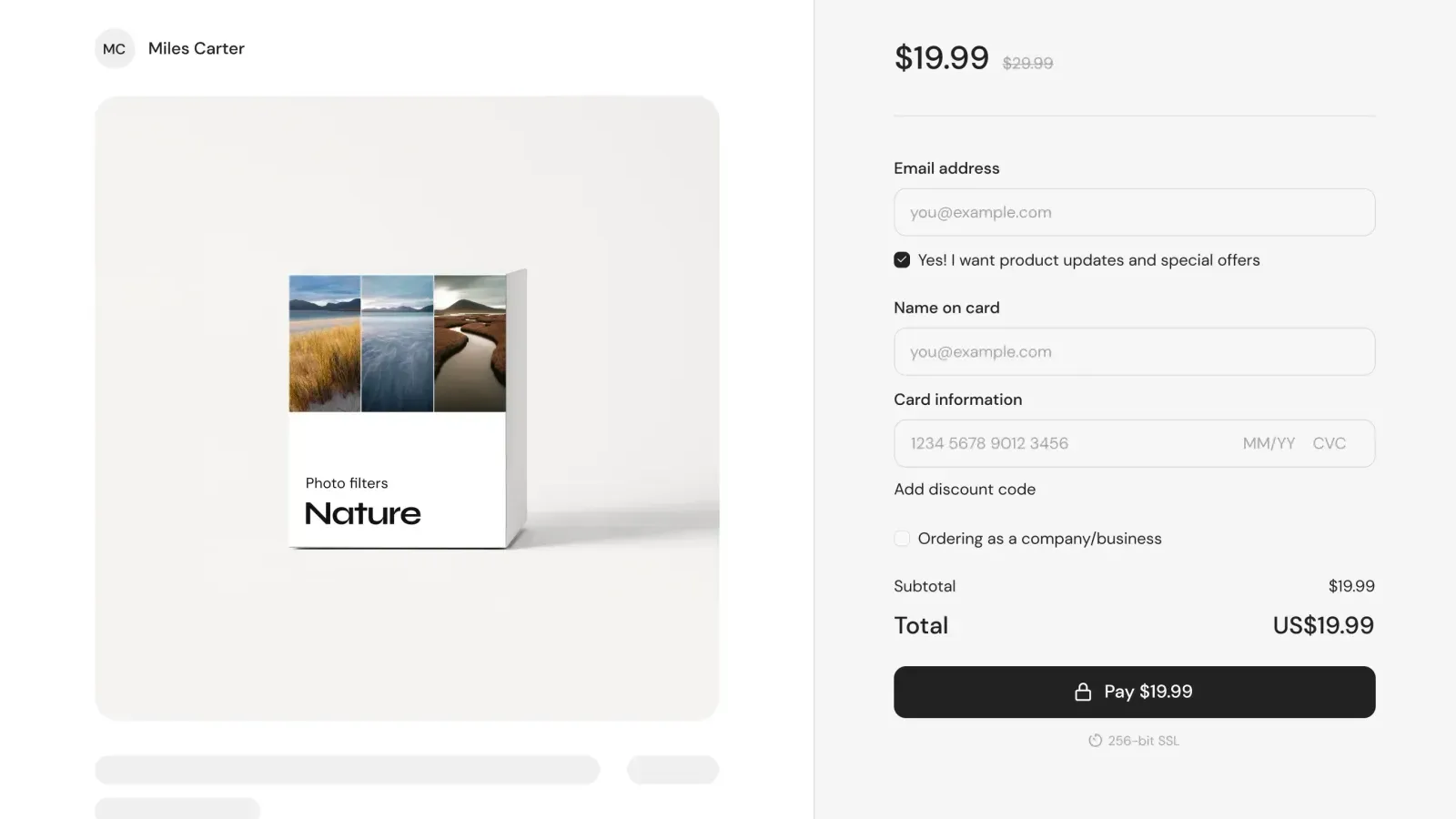




How to monetize your YouTube audience step-by-step
You don't need YouTube Shopping eligibility, a Google Merchant Center account, or a developer.
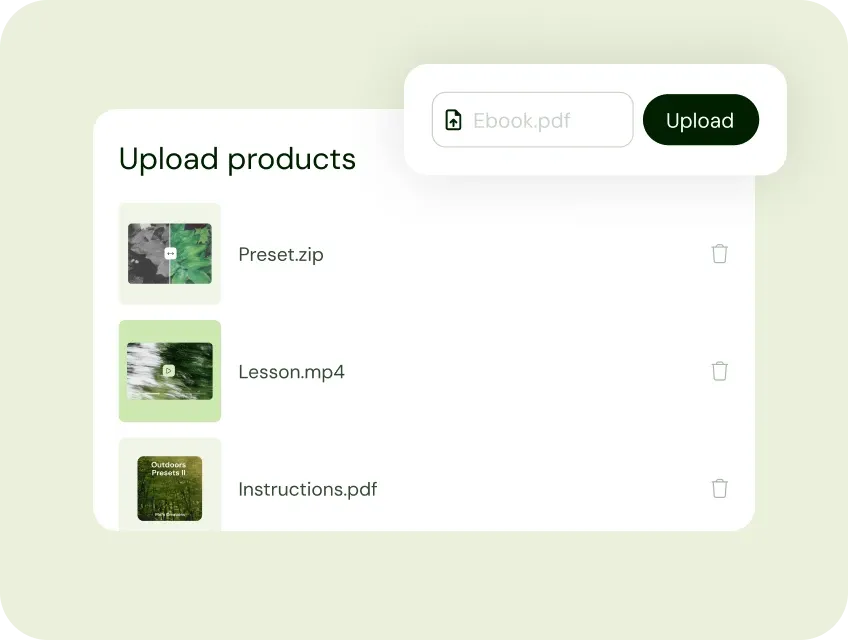
1. Add your products to Sellfy
Start by uploading what your channel teaches. Courses, beat packs, sheet music, PDF guides, LUTs, film overlays, sample packs. All from one dashboard. No code, no developer needed.
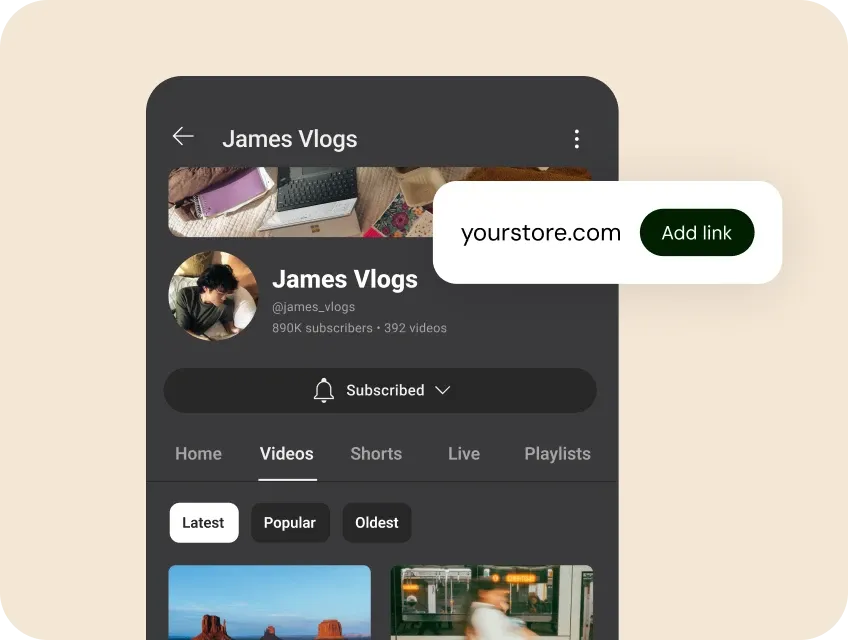
2. Link to your store from every video
Add your store URL to your YouTube channel’s About section and include it in every video description. Use end screens and cards to drive clicks at peak viewer attention.
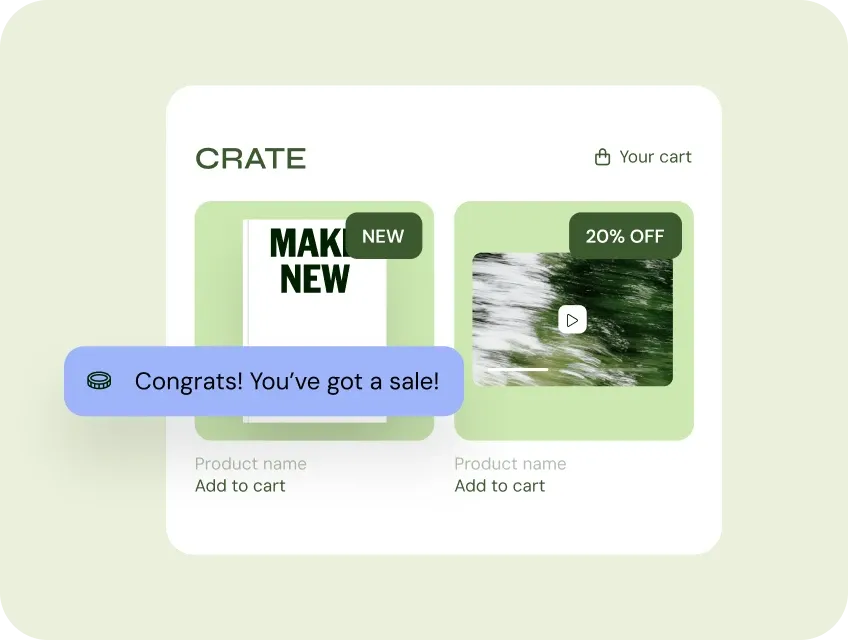
3. Get paid instantly.
When someone makes a purchase, the funds are deposited into your Stripe or PayPal account. Your digital products are delivered automatically. Physical and POD orders ship from our print partners.
YouTube gets you the subscribers. Sellfy helps you keep the money.
YouTube subscribers spend 10, 20, sometimes 60 minutes watching your content. When you mention a product in a video, conversion rates reflect that trust.
Sellfy takes 0%
Some platforms charge up to 10% per sale, Sellfy charges nothing on top of your subscription. The subscription pays for itself in the first month.
Your store on Google and AI search
Your videos rank in YouTube search. Your Sellfy store ranks in Google search. A subscriber finds your tutorial on YouTube today. They will find your course through Google next week.
Instant payouts via Stripe and PayPal
Money lands in your account the moment a follower checks out. No 7-day holds, no payout threshold, no platform sitting between you and your revenue.
End screens and cards turn viewers into buyers
Add a store link card or end screen to any video. It appears in the final 20 seconds, right when a viewer finishes your best content. Link to your full store or a specific product.
Sell the deeper version of what you teach
Sellfy supports digital downloads, courses, subscriptions, beat packs, sheet music, and print-on-demand merch. Your channel teaches. Your store sells the curriculum.
Paid on checkout, no payout thresholds
YouTube AdSense requires a $100 minimum payout and pays monthly. Sellfy connects to your Stripe or PayPal directly. When a subscriber buys, the money goes to your account. No threshold.
You're in good company
Join 75,000+ creators selling products with Sellfy

How David Killingsworth built a store, their channel keeps feeding
David Killingsworth makes film overlays, cinematic video effects for creators and filmmakers. He had a YouTube channel with nearly 29,000 subscribers and a product that his audience genuinely needed. He just needed somewhere to sell it without the friction.
When he tried Sellfy, the difference was immediate. The checkout was smooth. His products were delivered automatically. His subscribers could buy without leaving a familiar, trustworthy flow. He was making sales before his free trial ended.
"So, I signed up for the free trial, got everything set up, and it worked… It was just so much more easy for people to go through the checkout process. So, I was hooked in that free trial.
David Killingsworth, film overlay creator
"When selling digital products like Lightroom presets, two things matter most: making sure your product works and choosing a platform that makes selling easy. That's why I chose Sellfy."
Tobias Friedrich, Photographer
Should you use YouTube Shopping or Sellfy?
YouTube Shopping (formerly the YouTube merch shelf) lets eligible channels display merchandise directly below their videos. It’s a real feature, but it comes with significant restrictions. YouTube Shopping is primarily available in the US, it requires a Google Merchant Center account and product catalog setup.
YouTube Shopping makes sense if you’re a large channel selling physical merchandise in a supported market and have an existing Google Merchant Center setup. For every other creator who's selling digital products, presets, courses, sample packs, or sheet music, Sellfy is the right tool.
FAQs
Launch your store before your next video goes up!
Every video you’ve ever published has a description. Every description can link to your store.
Start for free