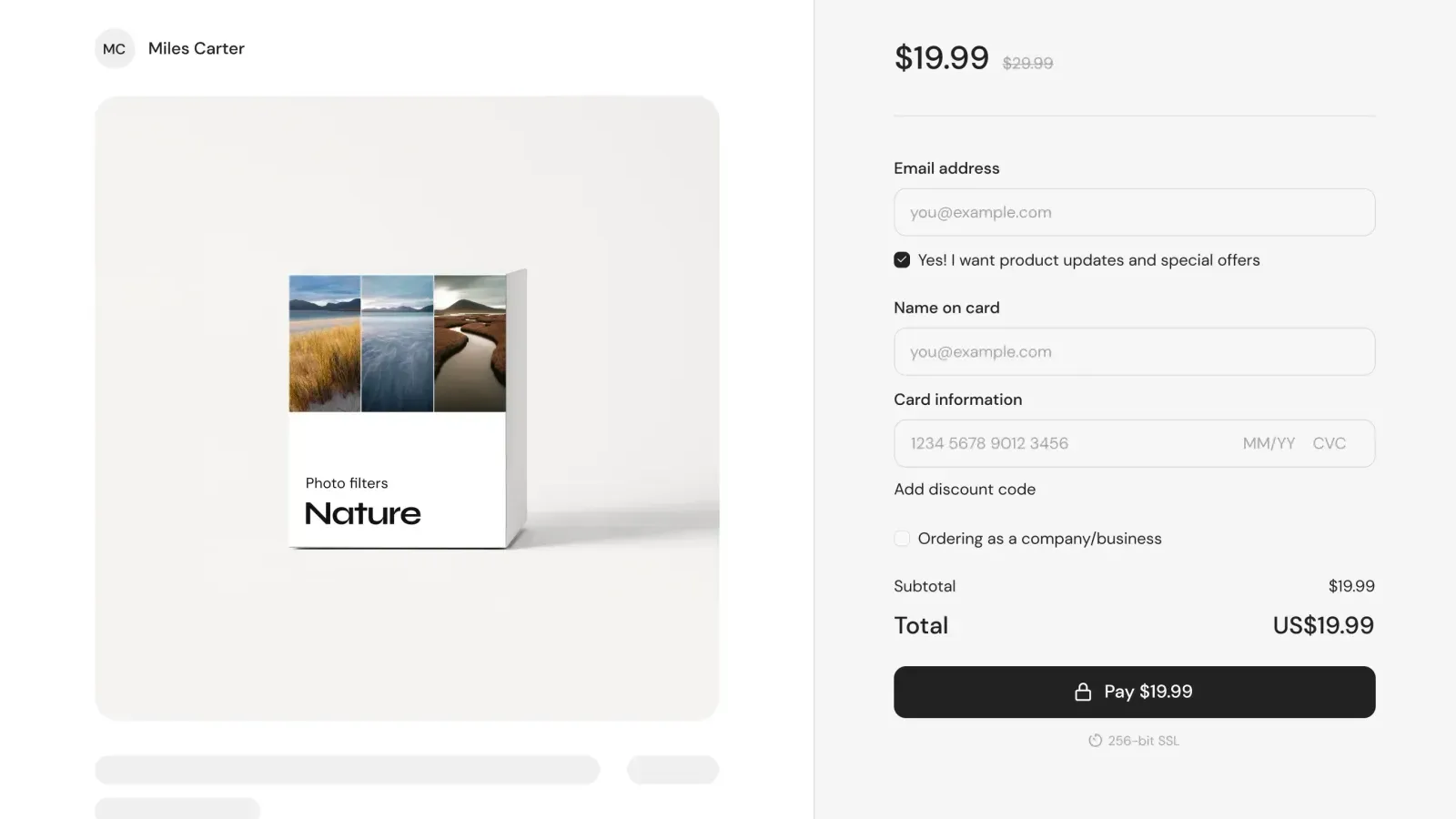
Launch your online store on TikTok

14-day free trial
No card required
tiktok.com/@yourpage
Online store to sell digital products
As seen on

How to monetize your TikTok audience step-by-step

You don’t need to leave TikTok, run ads, or set up a payment processor.
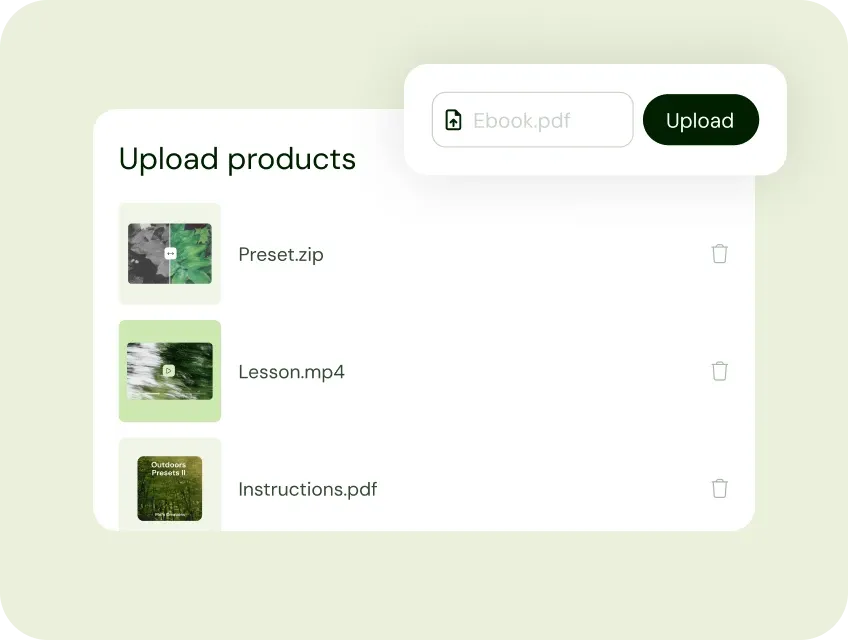
Upload your digital product to Sellfy

1. Add your products to Sellfy


Upload a digital file, create a print-on-demand t-shirt, or build a course. No coding. No software to install. Most creators get their first product live in 30 minutes.
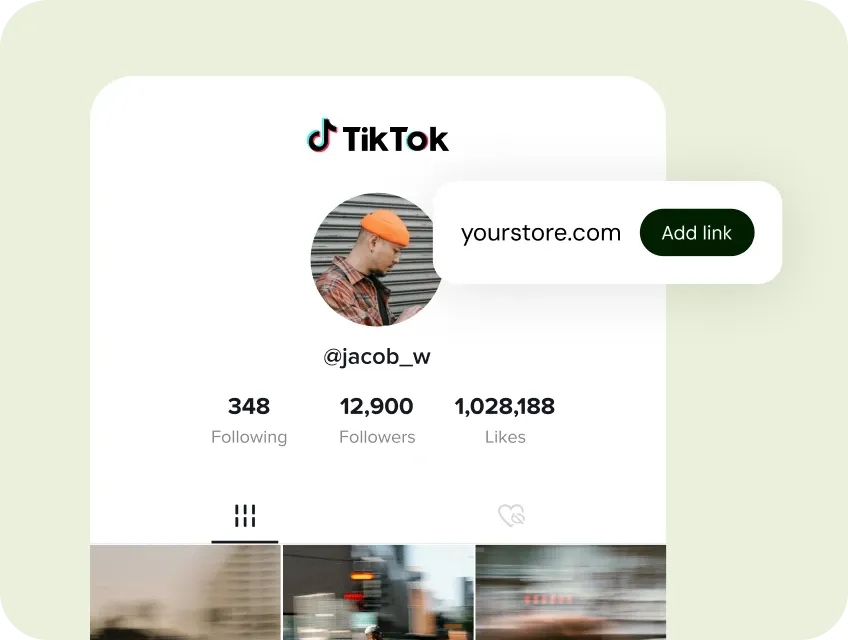
Drop a Sellfy store link in your bio and sell on TikTok

2. Drop a store link in your TikTok bio


That single link turns every video you post into traffic for a store you own — not a platform that takes a cut.
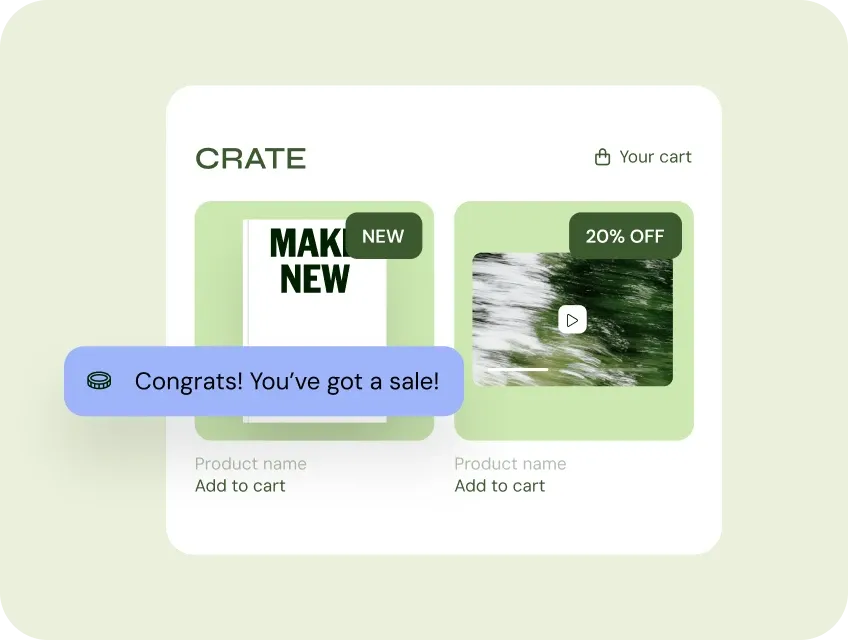
Receive an instant payout after a sale

3. Get paid. Instantly.


Sales hit your Stripe or PayPal the moment a follower checks out. Digital products deliver themselves. Merch ships from our print partners. No invoicing, no fulfillment, no waiting.

TikTok gets you the audience. Sellfy makes you money.

TikTok is where discovery happens. But TikTok doesn't pay you for that discovery — your followers do. The question is where they buy.
0% transaction fees
Our subscription plans (Starter, Business, Premium) charge zero transaction fees. You pay a flat monthly subscription, and Sellfy never takes a percentage of your revenue.
Your store on Google and AI search
Your store and product pages are indexed by Google and cited by AI search like ChatGPT and Perplexity. Let buyers discover you on days you don't post.
Instant payouts via Stripe and PayPal
Money lands in your account the moment a follower checks out. No 7-day holds, no payout threshold, no platform sitting between you and your revenue.
Sell anything you make
Digital downloads, online courses, subscriptions, print-on-demand, physical products — all from one store. No juggling four separate tools to do what one Sellfy store does.
Built-in email marketing and cart recovery
TikTok Shop doesn't share buyer contacts, Sellfy captures every buyer's email. Use built-in email marketing and cart recovery emails to make the most of your audience.
Embed a buy button anywhere
Drop a buy button, product card, or your full store onto any website or blog with one snippet of code. No need to rebuild your existing site.

You're in good company

Join 75,000+ creators selling products with Sellfy

Ashley Renee, Sellfy creator who sold 1,500+ keto cookbooks through TikTok
Ashley Renee
Creator story
How Ashley Renee sold 1,500+ cookbooks in a month through TikTok

Ashley Renee's whole setup was three things: a TikTok account, a recipe she'd been cooking for years, and a cookbook to sell. No launch team. No agency. No marketing budget. She dropped her Sellfy store link in her bio, mentioned it in her videos, and kept cooking on camera. Thirty days later, she'd sold over 1,500 cookbooks.

That's the playbook. Build the audience on TikTok. Own the transaction on Sellfy. One platform handles discovery. The other handles everything that turns a fan into a customer.

1,500+
Orders per month
0%
Transaction fees
"Sellfy gives you all the tools you need to launch a brand: you can just log in, upload a product, and you're ready to start selling online within minutes."

Charlie CRYPTIC / Music producer

“Having a website with products makes posting on social media more meaningful because when you go viral, people will go to your page, and buy your product.”

Emma, Excel Dictionary

Sellfy vs TikTok Shop: which is right for you?

TikTok Shop is built for physical-product brands selling on TikTok. TikTok’s fulfillment, TikTok’s audience, TikTok’s commission structure. It works for certain businesses. It’s not built for creators selling digital products, courses, or print-on-demand merch.
Digital products (PDFs, presets, etc.)
Print-on-demand merch
Requires approval
Commission / platform fee
0%
2-8% per sale
Google-indexed store
You own the customer email
Sells if TikTok is restricted
Works outside TikTok
Built-in email marketing
14-day free trial, no card required.

If you’re a creator selling digital products, courses, presets, templates, ebooks, or merch, Sellfy is built for you. If you’re a consumer brand running TikTok-native commerce with in-feed shopping, TikTok Shop may make sense. Most creators aren’t in the second category.

FAQs

Can I sell digital products on TikTok?

Not natively through TikTok. TikTok Shop is primarily designed for physical goods and doesn't support digital downloads or courses. The standard approach for TikTok creators is to add a Sellfy store link to their TikTok bio, then drive followers to that link from their videos. When a follower clicks and buys, the product is delivered automatically.

Do I need TikTok Shop to sell on TikTok?

No. TikTok Shop is designed for physical-product brands and charges a 2–8% commission per sale. Creators selling digital products, courses, presets, ebooks, or merch typically use an external storefront, such as Sellfy, linked in their TikTok bio. This gives you 0% transaction fees, ownership of your customer data, and a store that works even if TikTok is unavailable.

Can I use a custom domain with my Sellfy store?

Yes. Every plan supports a custom domain with free SSL. Your store can live at yourname.com instead of yourname.sellfy.store. Custom domains look more credible and improve SEO.

How do I add a store link to my TikTok bio?

On TikTok, go to your profile → Edit profile → Website. Add your Sellfy store URL (e.g., yourname.sellfy.store or a custom domain). Creators with a TikTok Business account can also add a clickable link in video captions.

What can I sell from TikTok using Sellfy?

Digital downloads (PDFs, presets, Lightroom presets, LUTs, templates, ebooks, beat packs, sound kits, Procreate brushes), online courses and video content, subscriptions, print-on-demand merch (t-shirts, hoodies, mugs, accessories), and physical products — all from one store.

How does Sellfy compare to Stan Store for TikTok creators?

The main difference is SEO. Sellfy stores are fully indexed, which means your store can rank for searches like "buy [your product type]" even when you're not posting on TikTok. Sellfy also supports physical products and print-on-demand merch, but Stan Store does not.

Does Sellfy charge a commission on sales?

No. Every Sellfy subscription plan charges 0% transaction fees. You pay a flat monthly subscription ($22–$119/mo billed annually). The only fees deducted are the standard Stripe or PayPal payment processor fees (typically 2.9% + $0.30 per transaction).

Can I get paid instantly through Sellfy?

Yes. Sellfy connects directly to your Stripe or PayPal account. Stripe typically deposits within 2 business days; PayPal is typically instant to your PayPal balance.

What happens to my store if TikTok gets banned?

Nothing. Your Sellfy store is an independent storefront on your own domain, it doesn't depend on TikTok to operate. You can drive traffic from Instagram, YouTube, Google search, email, or any other source. Many Sellfy creators use TikTok as one of several traffic sources, so a restriction on any single platform doesn't shut down their store.

Can I sell a mix of digital products and merch from the same TikTok link?

Yes. Sellfy supports digital downloads, print-on-demand merch, physical products, subscriptions, and online courses, all from a single storefront and checkout. Your followers can buy an ebook and a t-shirt in a single cart.

How long does it take to set up a Sellfy store?

Most creators have their first product live within 30 minutes. Full store setup, customization, product upload, payment connection, and domain configuration, takes under an hour. No code required and no developer needed.

Does Sellfy have an affiliate program I can use with TikTok creators?

Yes. The Business and Premium plans include a built-in affiliate program. You set commission rates and invite other TikTok creators or influencers to promote your products. They get a trackable link; you pay them only on successful sales.

30 day money-back guarantee

Launch your store before your next video goes up.

Sign up, upload your first product, and drop the link in your TikTok bio.