- Payhip
A Payhip alternative with 0% transaction fees on every plan
Payhip is a solid platform, but its Free plan takes 5% of every sale and its $29/mo Plus plan still takes 2% — you only get 0% on the $99/mo Pro plan. Sellfy charges 0% transaction fees on every plan, lets you upload files up to 10GB, and includes built-in print-on-demand merch. Try it free for 14 days.
Start 14-day free trial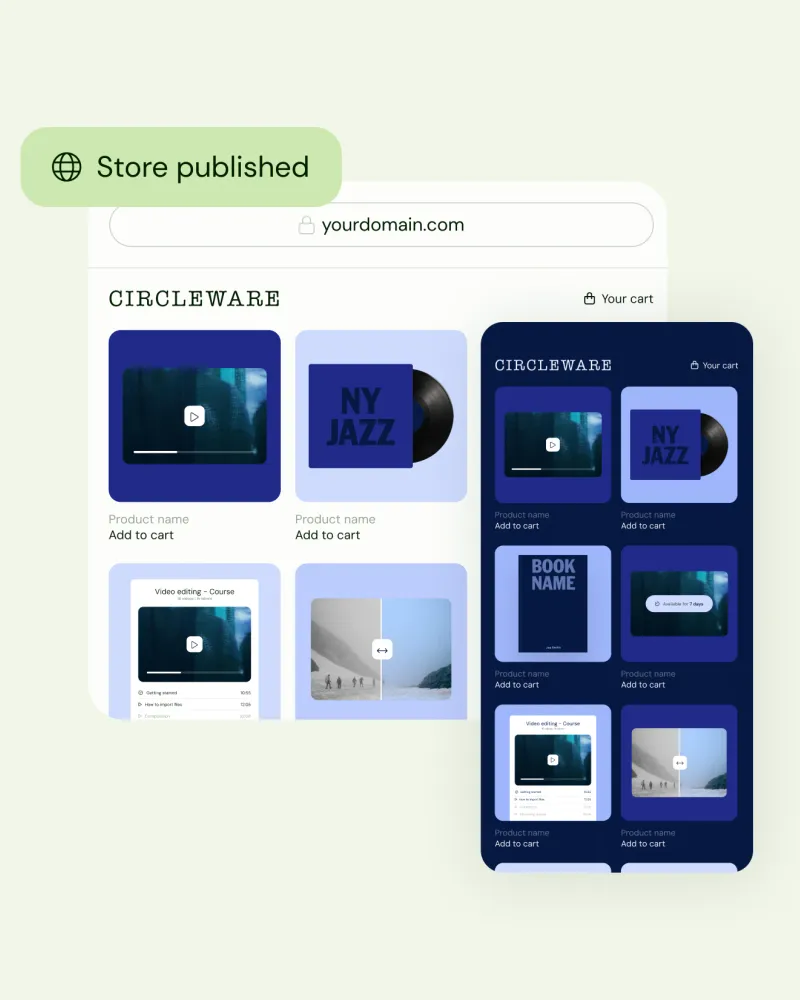


Sellfy or Payhip: which has the lowest total fees?
Payhip prices from payhip.com/pricing, checked 2 November 2026. Sellfy prices from sellfy.com/pricing. Card processing is extra on both.
At $4,000 a month in template sales, Sellfy costs less. That's $48,000 a year, which fits inside the $50,000 yearly limit of Sellfy's Business plan: $59 a month billed yearly ($79 monthly), with 0% transaction fees. On Payhip, the cheapest option at that level is Pro at $99 a month. Plus would cost $109 ($29 + 2% of $4,000). Sellfy saves you $40 a month, or $480 a year, on yearly billing, and $20 a month on monthly billing.
| Monthly sales | Sellfy | Payhip (cheapest plan) | Cheaper |
|---|---|---|---|
| $1,000 | $25 (Starter + 2% on sales above $10K a year) | $49 (Plus) | Sellfy, by $24 |
| $2,000 | $45 (Starter + overage) or $59 (Business) | $69 (Plus) | Sellfy, by $10 to $24 |
| $4,000 | $59 (Business) | $99 (Pro) | Sellfy, by $40 |
| $5,000 | $76 (Business + 2% on sales above $50K a year) | $99 (Pro) | Sellfy, by $23 |
| $10,000 | $119 (Premium) | $99 (Pro) | Payhip, by $20 |
Payhip Pro has no sales limit, so it becomes the cheaper option at about $6,000 a month. If you expect to grow past that soon, factor it in. Under it, Sellfy wins on fees.
What Payhip's comparison says about Sellfy, checked
Payhip publishes its own Payhip vs Sellfy page. Here's how its claims hold up today:
- "Sellfy starts at $19 a month." Out of date. Sellfy's Starter plan is $22 a month billed yearly or $29 monthly.
- "Sellfy charges extra for email marketing credits." Every Sellfy plan includes email marketing: 2,000, 10,000 or 50,000 emails a month. You only buy more if you go over.
- "No affiliate marketing on Sellfy." Sellfy has an affiliate program on Business and Premium.
- "Sellfy has revenue caps." True. Each plan has a yearly sales limit ($10K, $50K, $200K). They're soft: above the limit, Sellfy may charge 2% on the extra sales until you upgrade, and your store is never paused.
- "Sellfy doesn't handle UK and EU VAT." Half true. Sellfy calculates EU and UK VAT at checkout and exports the reports, but you file and pay it yourself. Payhip files it for you, which is a real advantage.
- "No online courses or coaching on Sellfy." True. Sellfy sells video on demand and downloads, but it has no course builder or booking calendar. If those are central to your business, Payhip fits better.
- "Instant payouts on both." On both platforms the money goes straight to your own Stripe or PayPal account. PayPal is instant; Stripe usually deposits to your bank in about 2 business days.
What Payhip's page doesn't mention: Sellfy has built-in print-on-demand with no Printful or Printify account needed, files up to 10GB on Starter (Payhip's limit is 5GB), license keys for digital products and subscriptions, and a public API and MCP server.
Sell to customers all over the world
Like Payhip, Sellfy translates your storefront for international buyers. Set your store to English, Spanish, Portuguese, French, German, Italian or Russian, or let it switch automatically to match each shopper's browser language. Your customers are global - now you are too.
Keep more of every sale
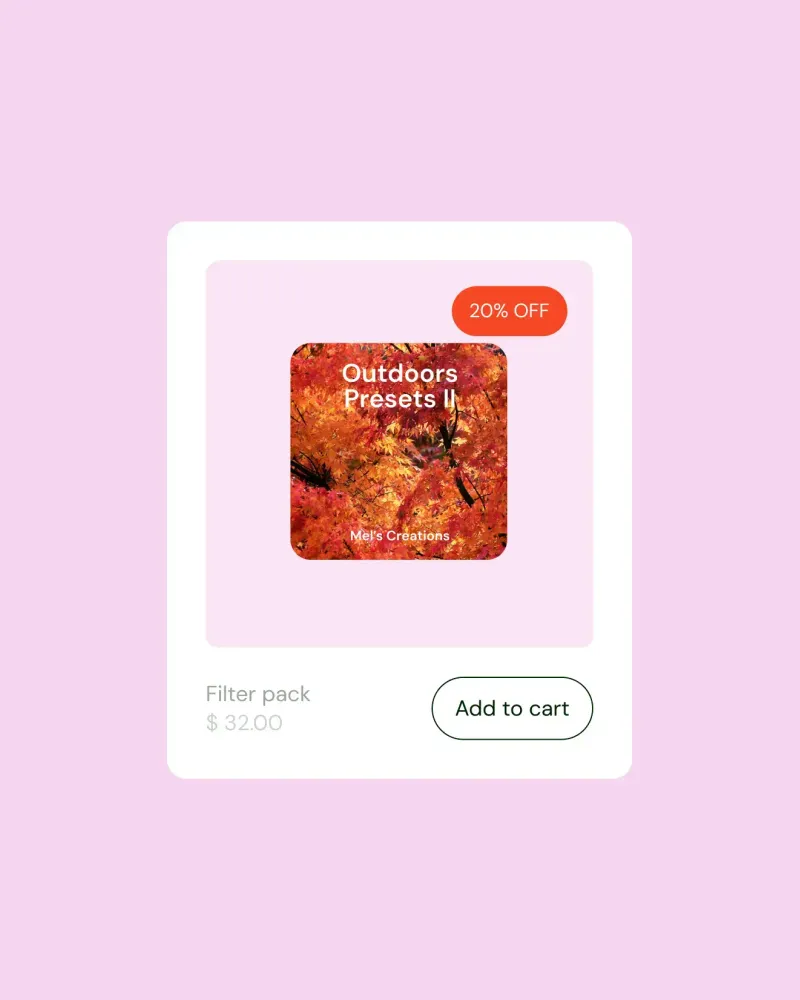
Payhip's transaction fees grow with your sales: on $10,000 a year in revenue, its Free plan takes $500 and its Plus plan takes $200, before payment processing. Sellfy charges 0% transaction fees on every plan, so on top of your flat monthly price you only pay PayPal or Stripe processing.
Add your own domain
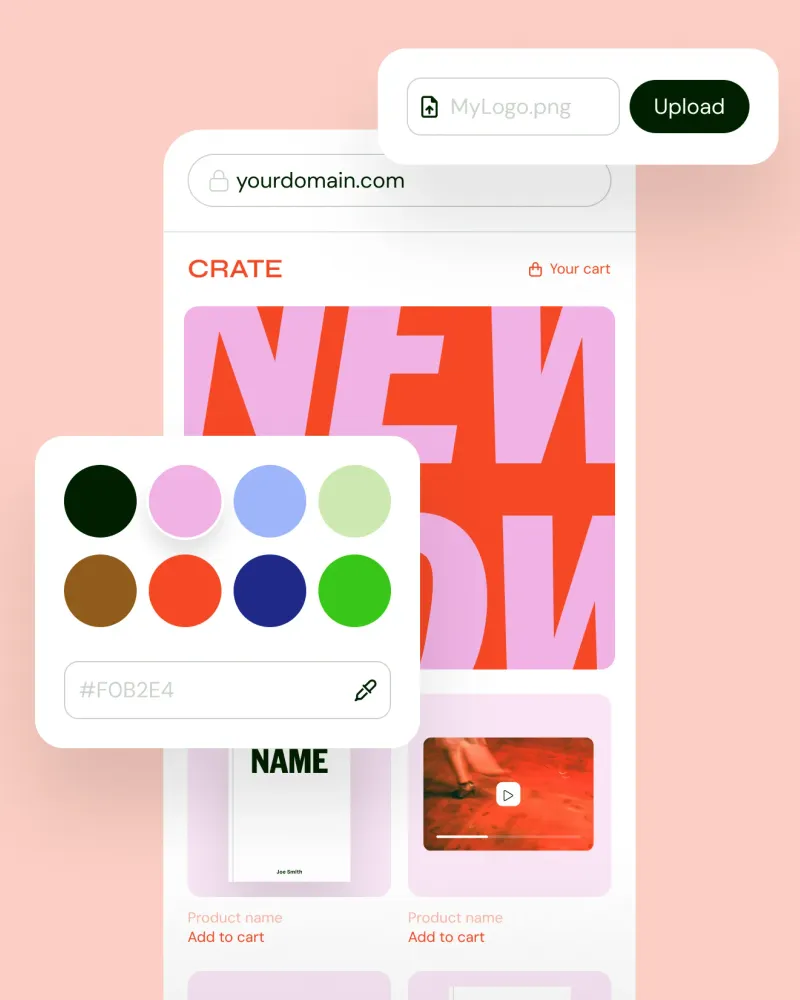
Your brand is important to you and we know it. With Sellfy you can easily add a custom domain to your store. We believe that branding to the very last detail can't be underestimated and we want you to build and customize a store that represents you!

How to switch from Payhip to Sellfy
Move your store in six steps, and keep selling on Payhip until your Sellfy store is ready.
1. Export your customers and followers
In Payhip, open Customers and click Export to download your buyers as a CSV, including who agreed to receive emails. Export your followers from the Followers tab too.
2. Set up your Sellfy store
Start a 14-day free trial, no credit card needed, and pick a theme for your store. Your Payhip store keeps taking orders while you set up.
3. Add your products, or let AI do it
Payhip has no product export, so copy your titles, descriptions and prices across and upload your files. Or ask Claude or ChatGPT to create the drafts for you through Sellfy's MCP server.
4. Import your email list
On a paid plan, upload a CSV with one column named "email" under Email marketing > Import, leaving out anyone marked as unsubscribed. Sellfy reviews each list within 1–3 business days.
5. Connect payments and your domain
Connect PayPal or Stripe, so payments go straight to your own account. If you used your own domain on Payhip, point it to Sellfy with a CNAME record to domains.sellfy.com.
6. Update your links, then close Payhip
Swap your Payhip links for Sellfy ones in your bio, emails and website. Deleting Payhip removes your products, so stay on its free plan until past buyers have their files.
Everything you need to launch and run your store, stress-free
Product pages that convert
When it comes to eCommerce, we know it's all about the conversions and so we've designed our product pages with that in mind. Stores built with Sellfy feature clean product pages that work with long texts, images or videos. Customize them to your need and watch other sales roll in!
Sell from social media
Most of your customers are on social media. This makes it an invaluable place to market your products. With Sellfy selling from social media like Instagram is as easy as 1..2..3. Simply post a link to your product page and let the store do everything for you!
Sell from your own website
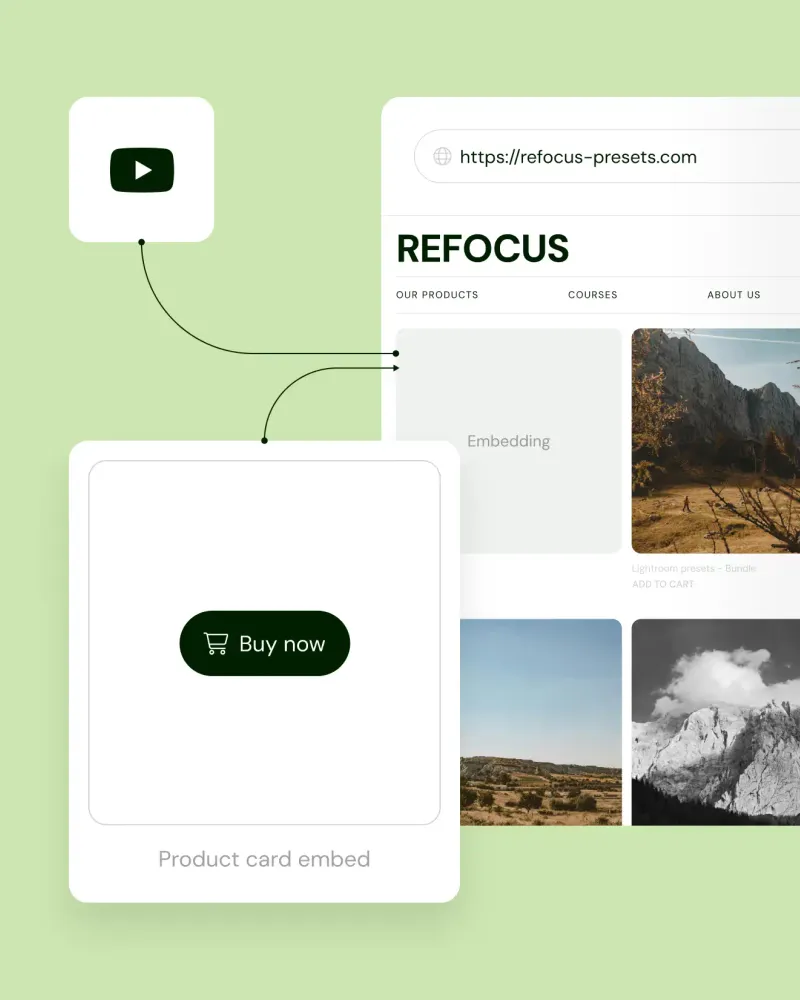
Embedding your storefront to your website is the best way to convert simple visitors into paying customers. Using Sellfy's easy embed function, you can embed your whole store or shopping cart onto your site effortlessly. All you have to do is paste a snippet of code and you're good to go.
Digital file delivery
These days customers expect to get their digital products quickly and effortlessly. Hence we've optimized our download speeds, maximum file sizes and email delivery so that your products can be delivered at the speed of a click of a button. Try us out and see for yourself!
Marketing features built in
While other platforms make you pay for third-party marketing tools, Sellfy has them built in. Email marketing, marketing pixels and discount codes come with every plan, and the Business plan adds upsells, cart abandonment emails and an affiliate program.
Sell subscription products
Digital goods are crazy profitable, but you already know it. With Sellfy you can earn even more selling digital subscription products. Add a product, choose the frequency and charge your customers automatically!
Here is what other creators say about Sellfy
"Sellfy is easy to use, logical and quick. The constant upgrades and efforts to make this platform better are what really convince me. Sellfy more or less offered everything I needed while other platforms didn't."

"Making 5-figures for the first time with Sellfy really helped me fulfill my filmmaking dreams! I never imagined that filmmaking and photography presets are so asked!"

"Sellfy helped me grow my business from a part-time hobby to a full-time business that could support myself and my family."

FAQs
0% transaction fees for the same monthly price? Your search for a Payhip alternative is over.
Quick sign up, no credit card required.
Start 14-day free trial today