
Create an instant online store.
Get your 14-day free trial. Pick a professional template, start selling today, and upgrade anytime.


How to sell digital magazines & subscriptions in 2026

Selling digital magazine subscriptions has several advantages:
Firstly, digital magazines have lower production and distribution costs compared to print magazines, which can result in higher profit margins. Secondly, digital magazines can reach a wider audience as they can be easily accessed from anywhere in the world.
Finally, selling digital magazine subscriptions can provide valuable data on reader behavior and preferences, which can help you create content and marketing strategies.
And, perhaps most importantly, selling digital magazines with a recurring payment plan is one of the best ways to generate a steady and predictable income.
So, if this is something that you’d love to do, be sure to follow the marketing, pricing, and selling tips in our article below.
How to sell digital magazine subscriptions
To sell subscriptions online, you will need a reliable eCommerce platform that offers a subscription model, automated file delivery, secure payment processing, and a user-friendly interface.
One such platform that provides all of the above and more is Sellfy:
- Easy setup. With Sellfy, you can create a store in minutes and start selling your magazine subscriptions.
- Secure transactions. Sellfy uses secure payment gateways to ensure your customers’ transactions are safe and secure.
- Customizable storefront. You can customize your store to match your brand and style, making it easy to showcase your online magazines in the best possible way.
- Flexible pricing options. Sellfy offers flexible pricing options, including one-time purchases and subscription models to help you reach a wider audience.
- Analytics & insights. Sellfy provides detailed analytics and insights into your subscription revenue, allowing you to make data-driven decisions and optimize your marketing strategy.
- Instant payouts. Sellfy transfers your earnings to your account immediately after a purchase is made. Plus, you’ll keep 100% of your earnings.
So, if Sellfy sounds like a good fit for you, read on to learn how to create an online store and sell magazines online.
1. Sign up for Sellfy
To get started, sign up for a 14-day free trial or pick a subscription plan. The free trial will let you try out all of the features before committing to a paid subscription. But, remember that you won’t be able to sell digital magazines and accept payments until you upgrade to a paid plan.

Create an online store for your digital products
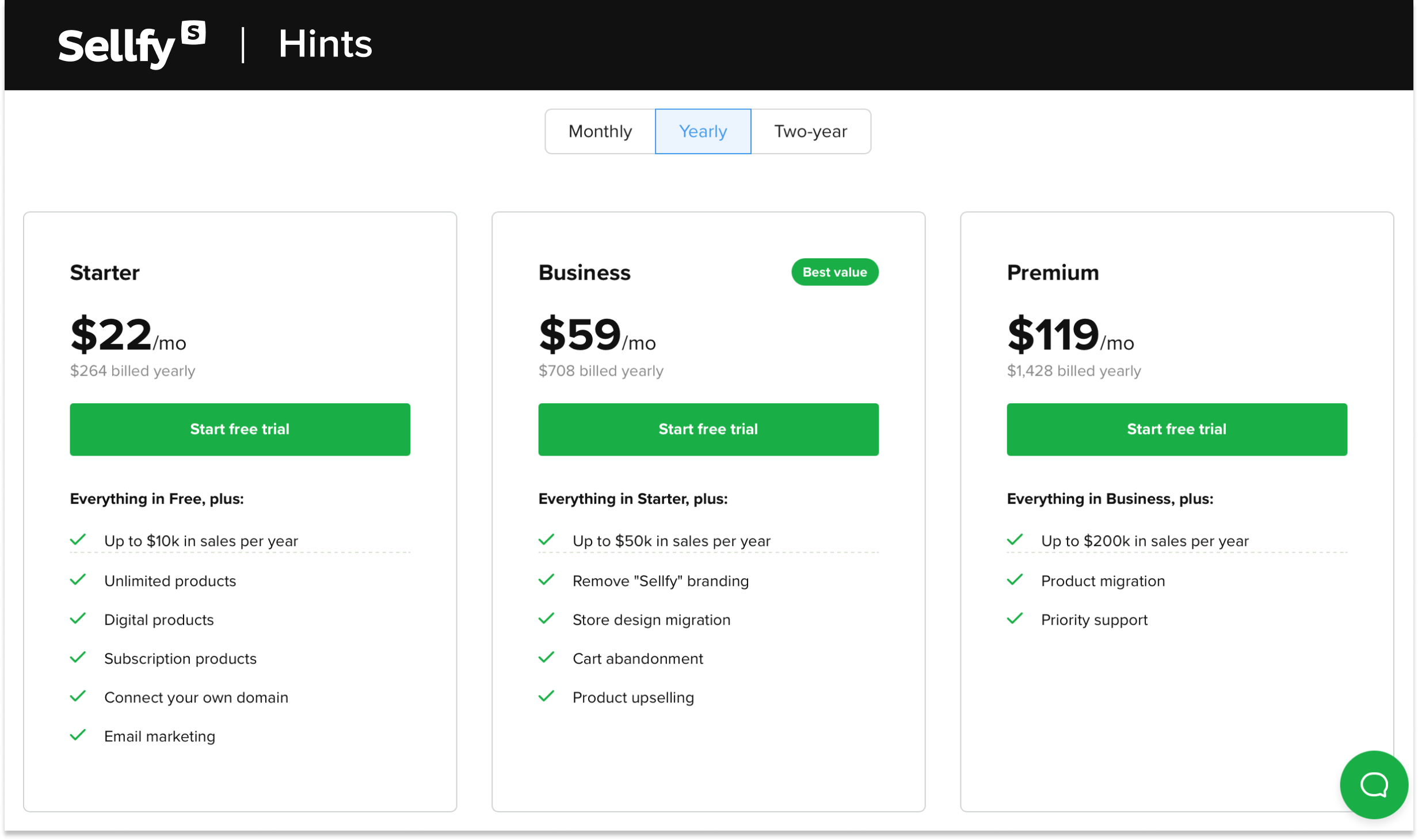
See howWe offer the following subscription plans:
- Starter—for creators who want to sell an unlimited number of online magazines, get access to 2000 email credits, and use a custom domain.
- Business—for creators who have high font sales volumes and want a white-label store, store design migration, cart abandonment, product upselling, and 10,000 email credits.
- Premium—for creators who have the biggest digital magazine sales volumes and want product migration, priority support, 50,000 email credits, and extra tools to promote their fonts.
To start a trial, you’ll enter your first name, and a valid email address, and create a password. Once you’ve opened your trial, it’s important to first verify your email address so that you won’t miss out on Sellfy updates, account information, and more.
Next, choose a pre-made Sellfy theme (the easiest option), or design your store from scratch with the Store Customizer.
Out of these two, the Sellfy theme is by far the easiest and quickest way to get a beautiful store page with minimal effort. Then, you can fill out the theme with the Store Customizer tool and change colors, buttons, text, font, images, etc.
2. Upload your magazines as subscription products
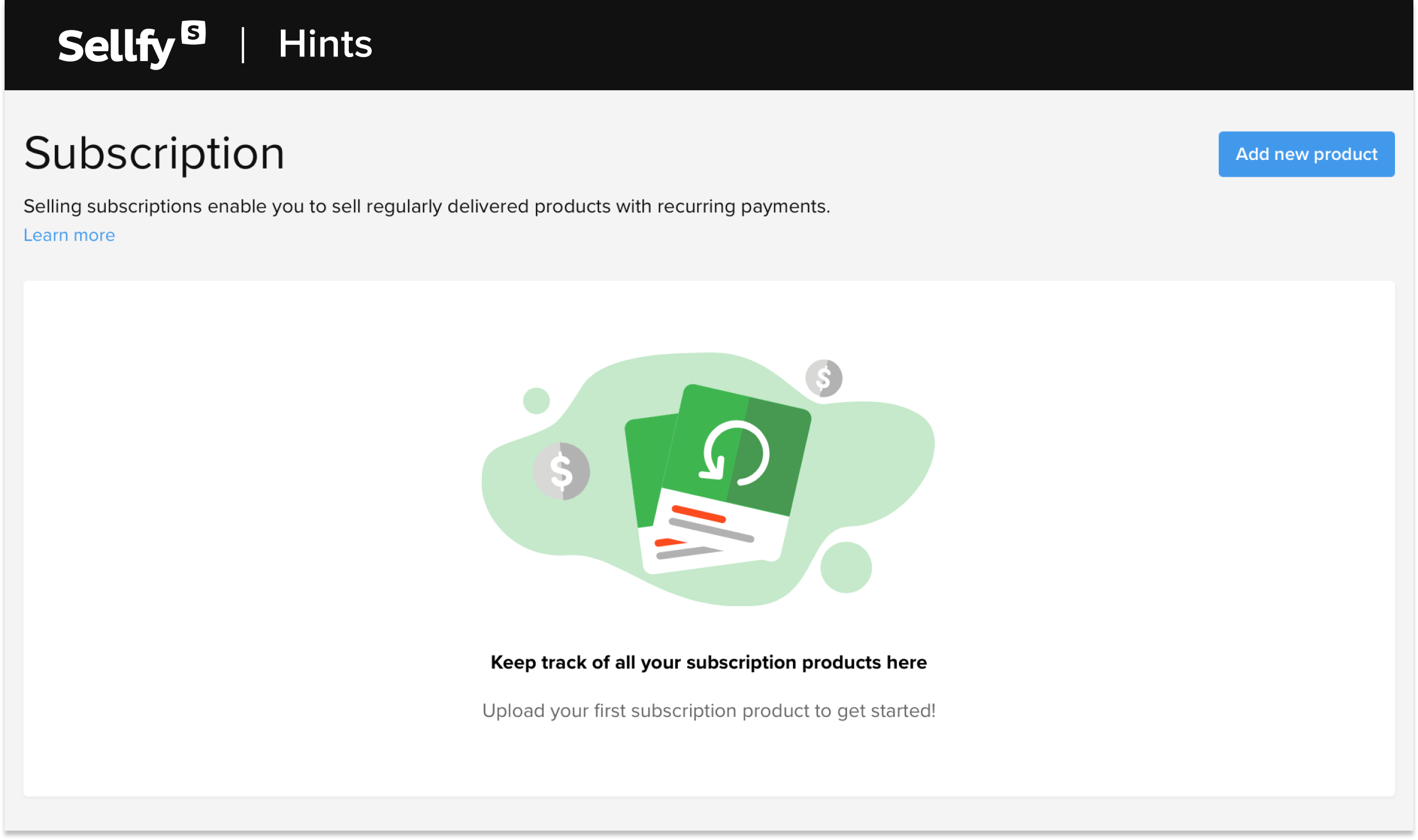
To sell digital magazine subscriptions with Sellfy, create a subscription-based product (a magazine) and set up a recurring payment plan. Users can then sign up and be billed automatically on a recurrent basis.
Here’s how to set it up:
- Locate the option to add subscription products under your dashboard’s PRODUCTS > Subscriptions section. Then, select the subscription, add your magazine, and select Save subscription (you can prepare as many as 50 files per product).
- You can create a subscription with weekly, monthly, or annual intervals (these intervals determine when the customers will be billed for and receive their download links).
- Typically, you’ll update the files in the same intervals so that customers have online access to the new files. Customers will be able to download whichever files are currently added to the subscription product.
3. Connect payment methods to start earning
Sellfy supports a wide range of payment options, so all your customers can pay in their preferred currency and method.
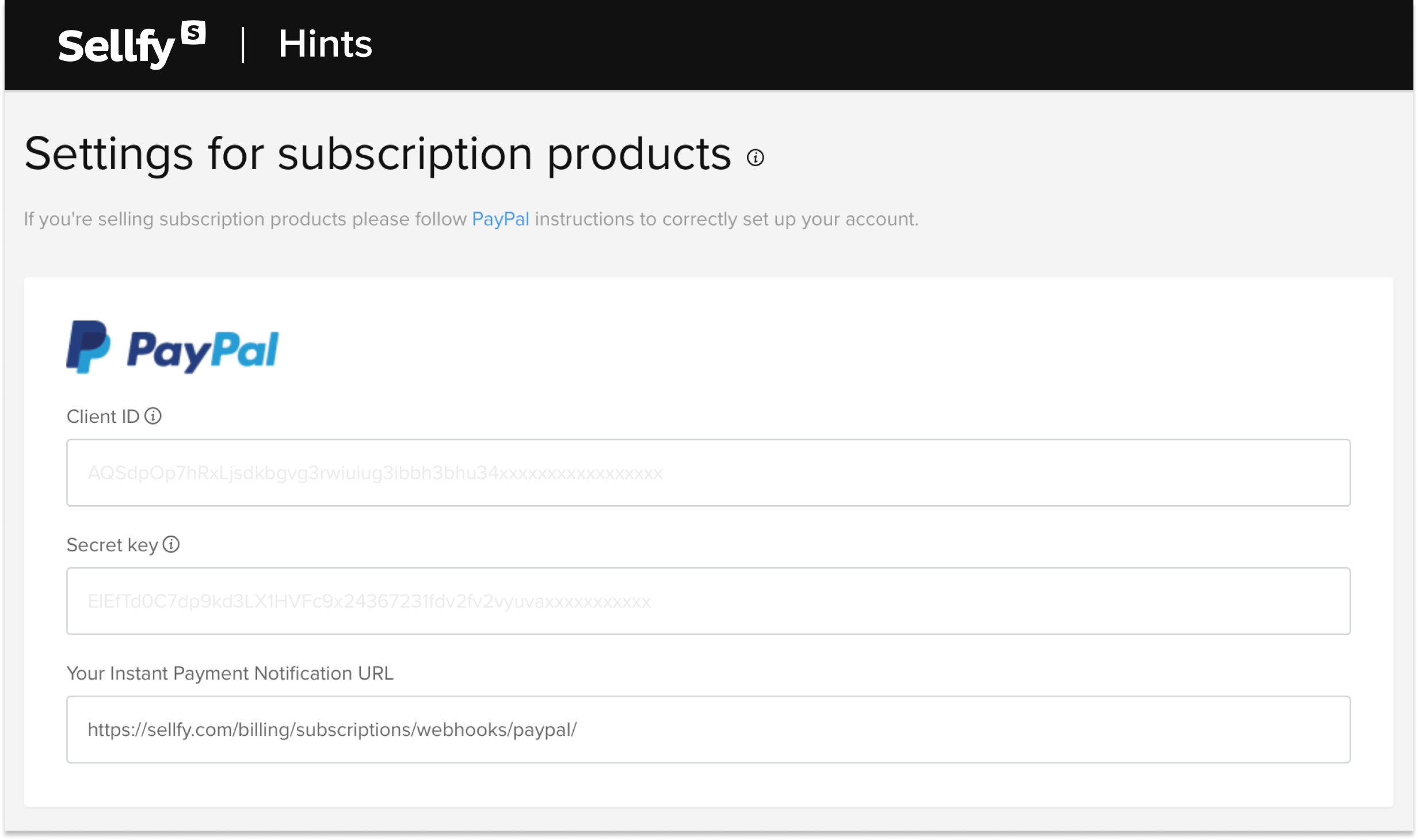
We offer integrations with two major payment processors to collect payments:
- Stripe—allows customers to pay with any major credit card, Apple Pay, or Google pay.
- PayPal—allows customers to pay with a PayPal account, major credit card, or local European payment options.
To add payment methods to your store, navigate to STORE SETTINGS > Payment settings. From there you’ll be able to connect your PayPal or Stripe account.
4. Your customer gets an email with a downloadable product link
One of the best parts about using Sellfy is the automated file delivery, saving you time and effort. Automated downloads ensure that your customers can quickly and easily receive their magazines.
Here’s how automated file delivery works:
- Once payment is made your customer will be automatically redirected to the Order confirmation page where they can download the magazine.
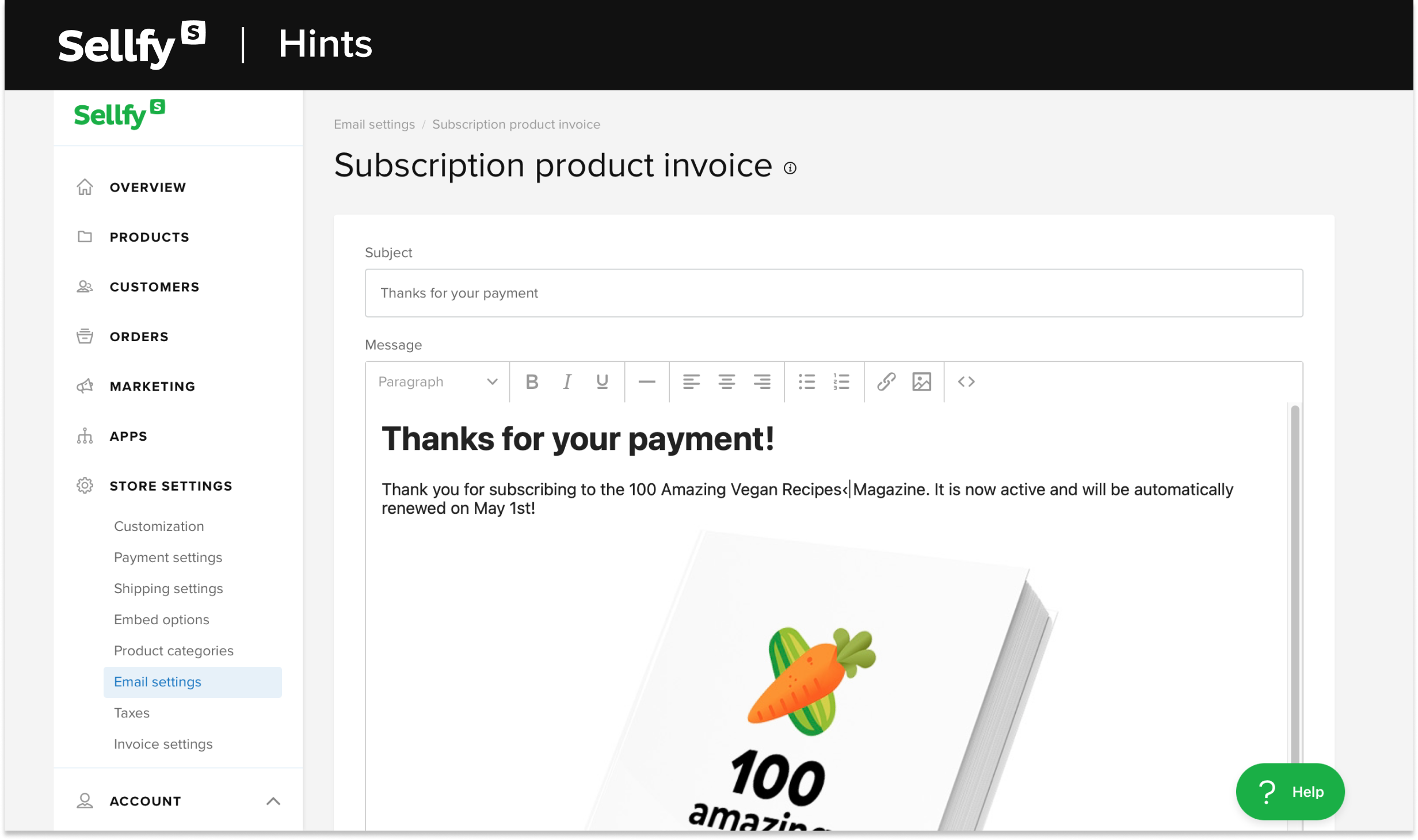
- At that time, they will also receive the Purchase Email with a set of unique download links (customize your Purchase Email here.) They’ll have 5 download attempts and these download links will be available to use until the next subscription payment is collected.
- Payment collection is done automatically and the subscription will continue until the consumer cancels the subscription.
How much should you charge for your digital magazine?
The price you should charge for your digital magazine depends on various factors such as your target audience, the content you offer, the quality of your publication, and your competitors’ pricing.
Researching the market and surveying prospective customers can help you determine a fair and competitive price. You may also offer different pricing tiers or special editions.
A commonly used model is a monthly or yearly subscription fee that gives readers access to all issues. Another option is to offer individual issues for sale at a fixed price. However, most digital magazines are priced between $5–20.
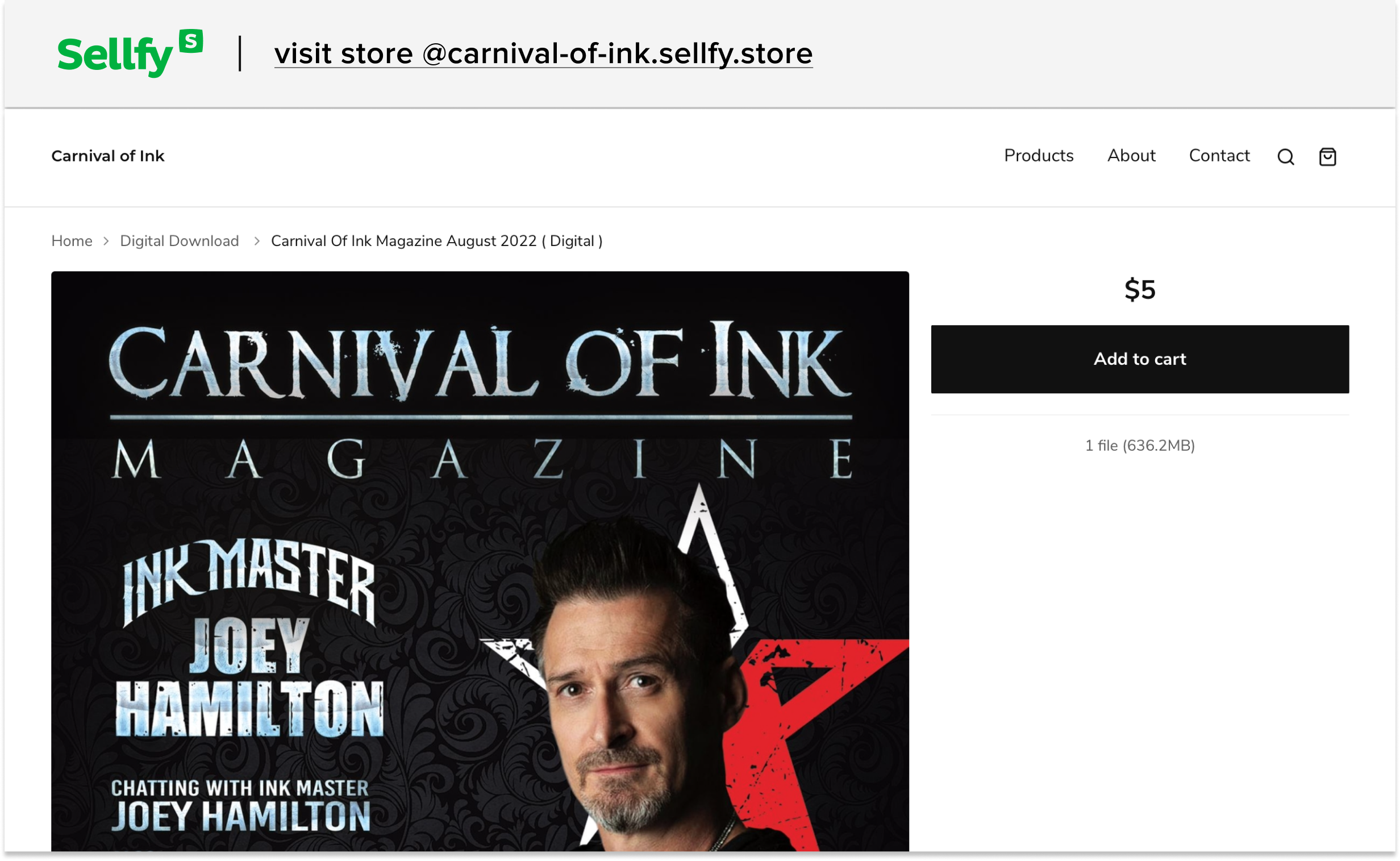
For example, the Sellfy store Carnival of Ink sells tattoo art magazine issues for just $5, which is the standard price for most magazines.
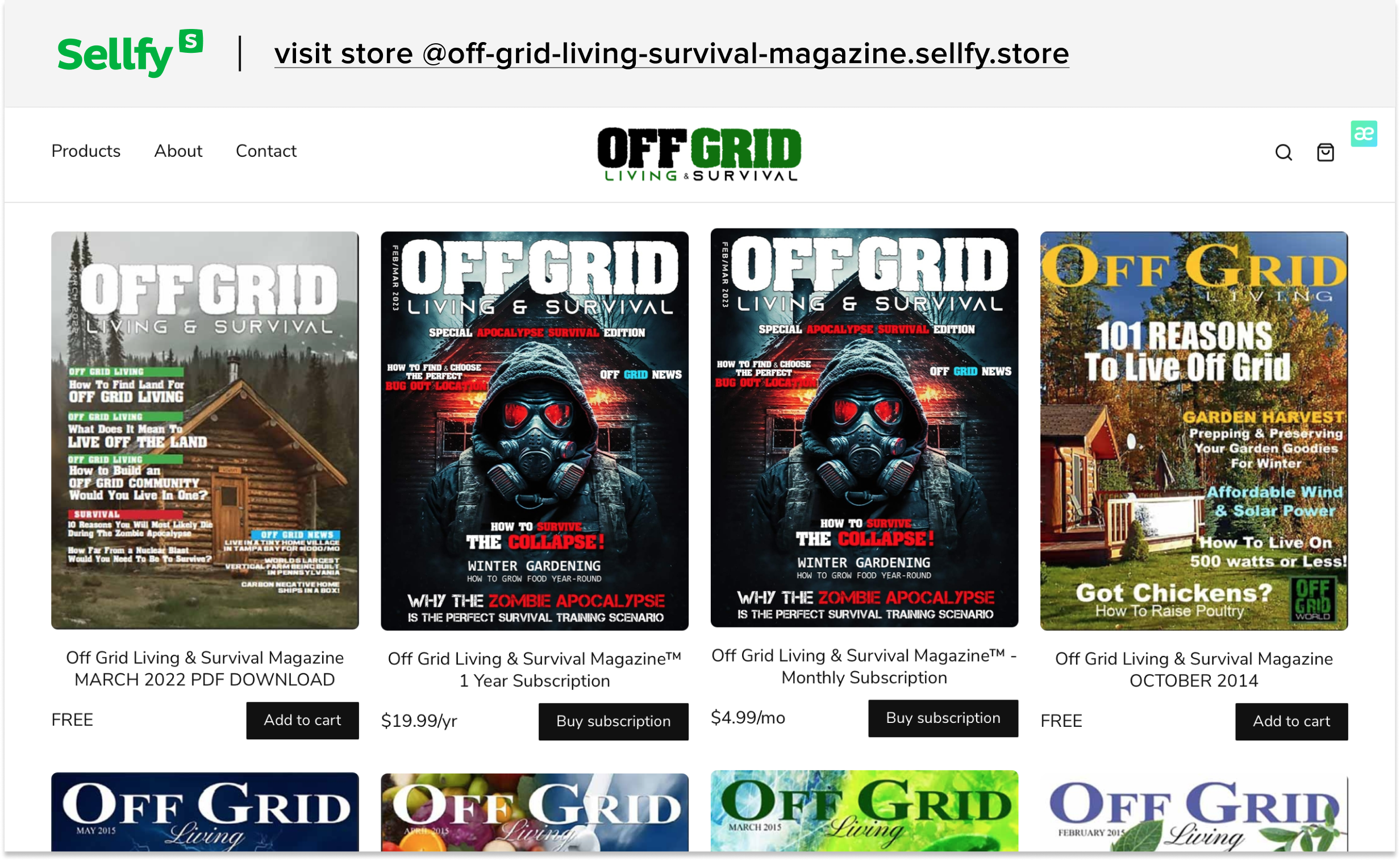
Another unique niche store, Off Grid Living & Survival, sells individual magazine issues as well as annual and monthly subscriptions about sustainable living. These magazines cost anywhere between $4.99–69 depending on the subscription interval.
Top marketing tips for your digital magazines
Effective marketing strategies can help you promote the value of your subscription products and ultimately drive more sales. If you’re using Sellfy, you can take advantage of our built-in marketing tools to help you attract loyal customers. Let me show you how.
Create an online store for your digital products
See howLaunch a special edition magazine issue
My suggestion is to continuously innovate and experiment with new ideas to keep your digital magazine fresh and relevant.
For example, a special or limited edition can offer exclusive content that is not available in regular issues, making it more attractive to readers who are looking for something unique or different.
It can also help create buzz and excitement around your subscriptions and serve as a valuable keepsake for your existing readers.
What’s more, you can make it even more special by offering a time-limited discount on the limited edition issue.
To use Sellfy’s discount feature, go to MARKETING > Coupons & discounts and click Add new discount > Sale.
There you’ll find information about all discounts, the number of products offered at a discount, statistics, and expiration dates. You can edit each discount, change its name, or remove it altogether.
Share free magazine samples to show what’s inside
Don’t underestimate the power of a freebie! People love free stuff, so why not give them a sneak peek of what’s inside before they decide to subscribe?
The goal of sharing a free preview or sample is to show the quality it represents. And, let’s face it, some people need a little extra convincing—a subscription is a commitment, after all.
So, it’s a good idea to show people what you really offer. Plus, it’s an amazing opportunity to generate leads that can later be used to push more magazine subscriptions.
For instance, you can distribute samples with Sellfy’s powerful email marketing tool.
Sellfy’s email marketing allows you to send email campaigns, coupon codes, product announcements, and updates to your selected audience. You can target specific segments or send emails to all subscribers.
The secret to crafting a successful magazine sample email includes giving your audience a good reason for why they should subscribe.
Try the following structure:
- Briefly introduce the magazine issue and explain what the reader can expect to learn from it, e.g. “No hocus pocus. Just scientifically proven hair care tips.”
- Give an example of how the digital magazine can change or improve their life, e.g. “We’ll help you stay up-to-date with the latest trends…” or “Discover hidden destinations with us….”
- List other relevant benefits, e.g. “Every once in a while, we’ll also launch a special edition that talks about the best-kept industry secrets…”
To use Sellfy’s email marketing feature, go to MARKETING > Email marketing and click Send new email.
Selling magazines: FAQs
How do I create and sell a digital magazine?
There are various free tools available for creating a digital magazine. Some of the popular platforms are Canva, FlipHTML5, Joomag, and Issuu. Once you’ve created your magazine, you can sell it as a subscription product with a recurring payment plan through an easy-to-use eCommerce website like Sellfy.
How do you price a digital magazine?
A commonly used model is a monthly or yearly subscription fee that gives readers access to all issues. Another option is to offer individual issues for sale at a fixed price. However, most digital magazines are usually priced anywhere between $5–20.
How do customers receive my digital magazine?
Right after finalizing the transaction in your Sellfy store, your customer will be redirected to a download page where they’ll be able to download the magazine. A download link will also be automatically sent to their email.
Is there a limit to the number of magazine subscriptions I can sell with Sellfy?
There’s no limit to the number of digital magazines or any other digital products that can be sold from your Sellfy store. Sellfy has unlimited bandwidth, which means that you can upload single files that are up to 10 GB, or products containing multiple files (up to 50 files per product) totaling up to 10 GB.
What happens if I change the price or interval of my subscription product?
When you change the price or interval, it will create an additional subscription plan. You’ll have the original magazine subscription and the customers that are subscribed to it, and then you’ll have the new version. The new terms will apply only to new customers while existing buyers will be billed according to the original terms.
Can I upload new files for my subscription in advance?
It’s not possible to set up scheduled product file releases. However, you can update the file for your chosen time interval. For example, if you’re selling a monthly product, you’ll update the files once each month.


