
QR code generator

Cómo crear un código QR



Generate QR codes for every need





URL link to QR code
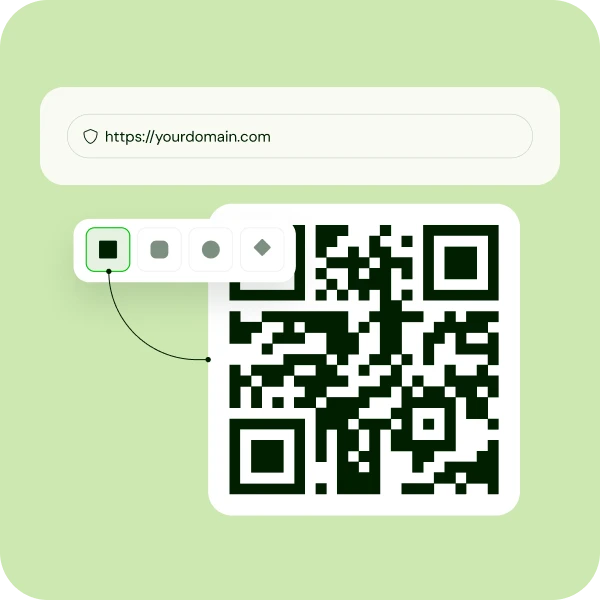
Create a QR code for a URL to blast traffic to your website, product page, or landing page. Stop making users type long links. Give them a direct path to your content.
Turn every flyer, business card, or storefront into a high-speed portal for your website.
Make it easy for audiences watching on TV to access your site instantly.
- Share your latest promotions instantly
- Direct users to any page with one scan
- Make printed materials interactive
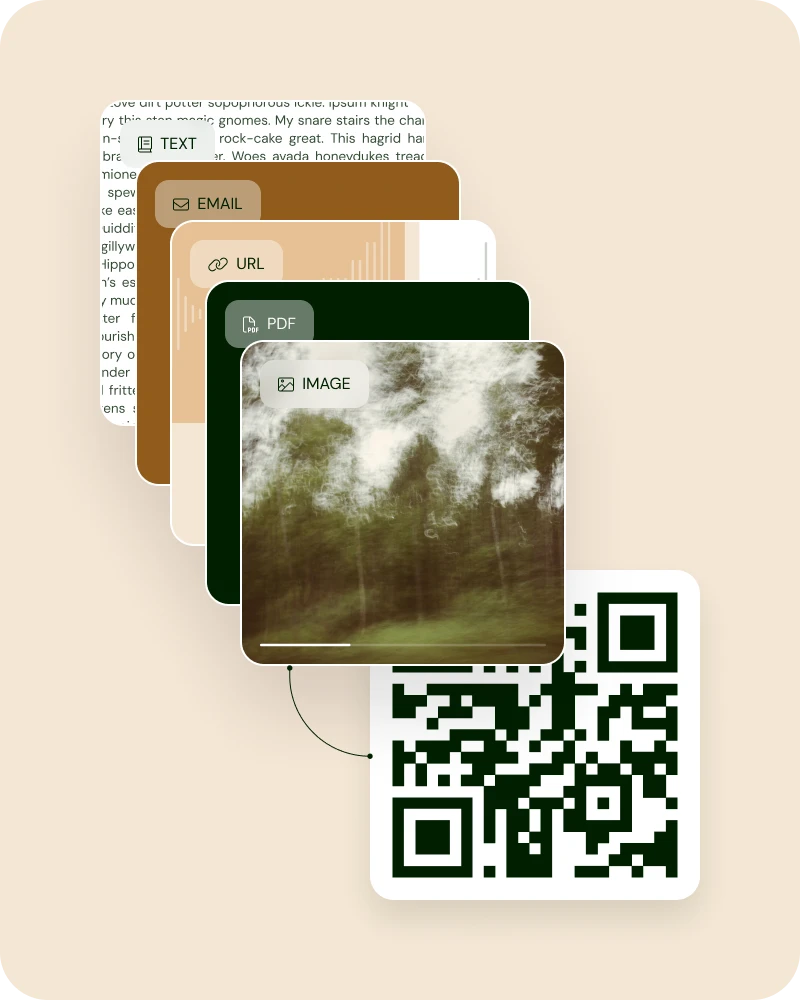
PDF to QR code
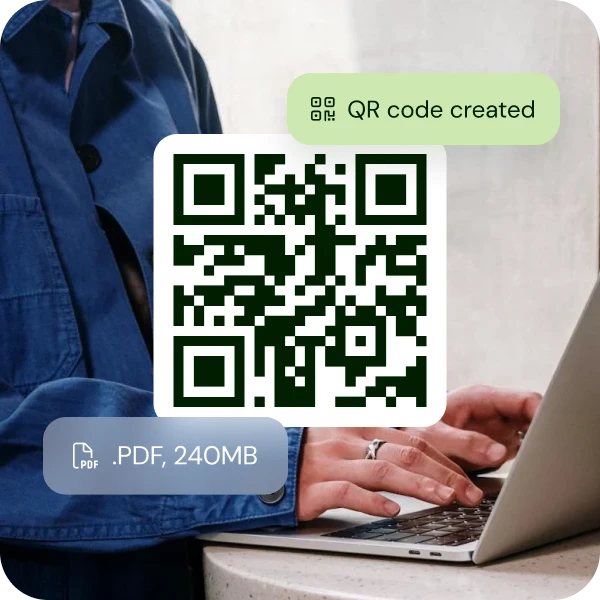
Coming soon: This planned feature will let you upload your menus, portfolios, or digital strategy guides. A PDF to QR code is the ultimate shortcut for large documents.
Let your clients download your guides or lead magnets instantly.
Professional, paperless, and perfectly streamlined for the digital economy.
- Share large documents without email attachments
- Give instant access to brochures or portfolios
- Go fully digital and eco-friendly
Text to QR code
Convert plain text into a scannable code. Ideal for messages, instructions, or Wi-Fi passwords.
Keep it simple and secure. Share your message without the clutter of extra links. Direct communication, encoded for speed.
- Share quick instructions or tips instantly
- Give guests Wi-Fi access without revealing your password
- Send personal notes or announcements efficiently
Image to QR code
Coming soon: This planned feature will let you create an instant, direct link to high-res artworks, portfolio pieces, or exclusive digital freebies.
Turn any wall or product surface into a visual experience. Engage your fans with a visual-first bridge to your store.
- Showcase your work in stunning detail
- Give instant access to exclusive content
- Turn physical spaces into interactive galleries
Phone number to QR code
Make it effortless for clients to order your services. One scan and they’re connected to your line.
Perfect for networking events where every second counts.
Your contact info is beamed directly into their dialer.
- Help customers save time with instant dialing
- Share your number without printing cards
- Never miss a potential lead

SMS QR code generator
Launch an automated text conversation. Pre-fill the message so users can reach out with zero effort.
Use SMS QR codes for customer support or "Text-to-Buy" marketing campaigns. High-octane engagement starts with a single scan.
- Enable instant customer inquiries
- Drive sales with ready-to-send messages
- Boost engagement with effortless texting
Email QR code
QR code for email makes it a breeze to reach your inbox. Simply, pre-populate the subject and body for instant feedback.
With QR codes for email, you help customers place inquiries or support requests without the hassle of typing the email. Thus, you give them direct access to your inbox, optimized for professional efficiency.
- Streamline support requests instantly
- Pre-fill subject and message for quick replies
- Make it effortless to contact your team
Feature-ritch, free QR code maker
QR code creation made easy
We’ve stripped the fluff so you can focus on the hustle. Elite tech, zero learning curve.

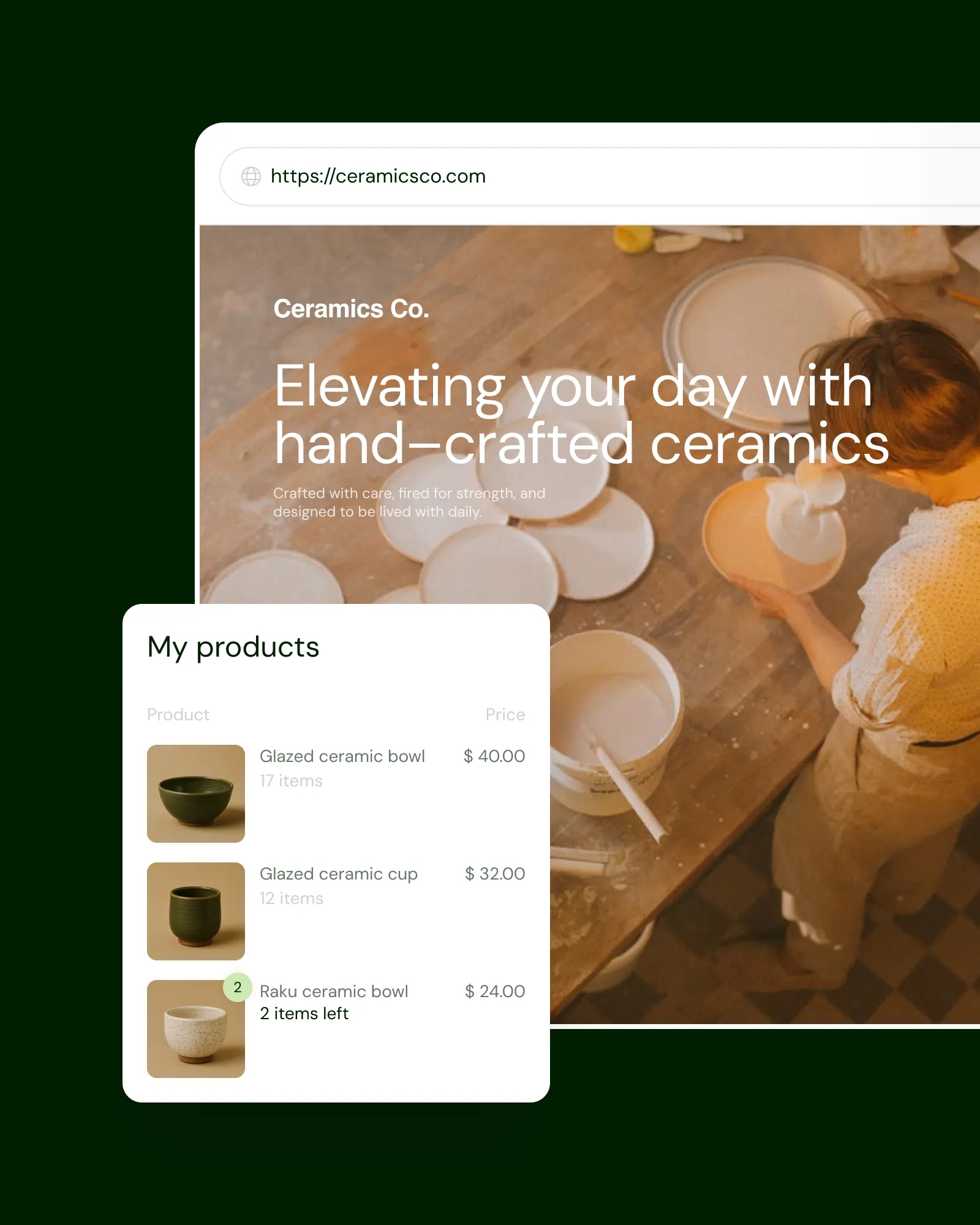

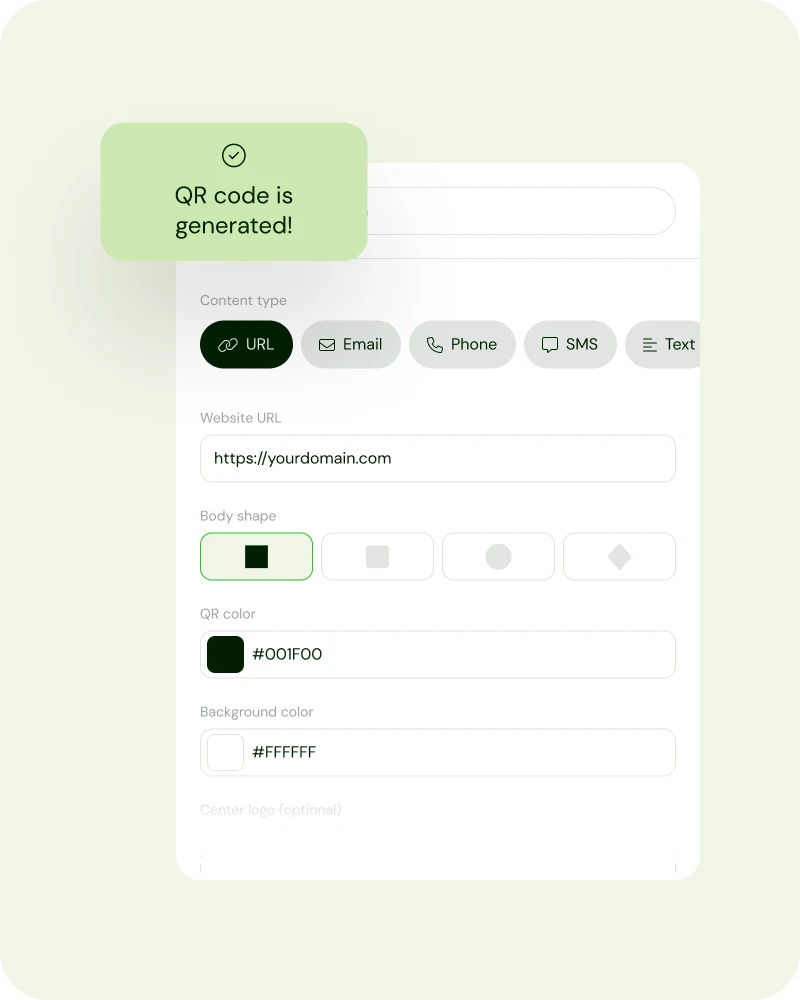
Customizable QR codes
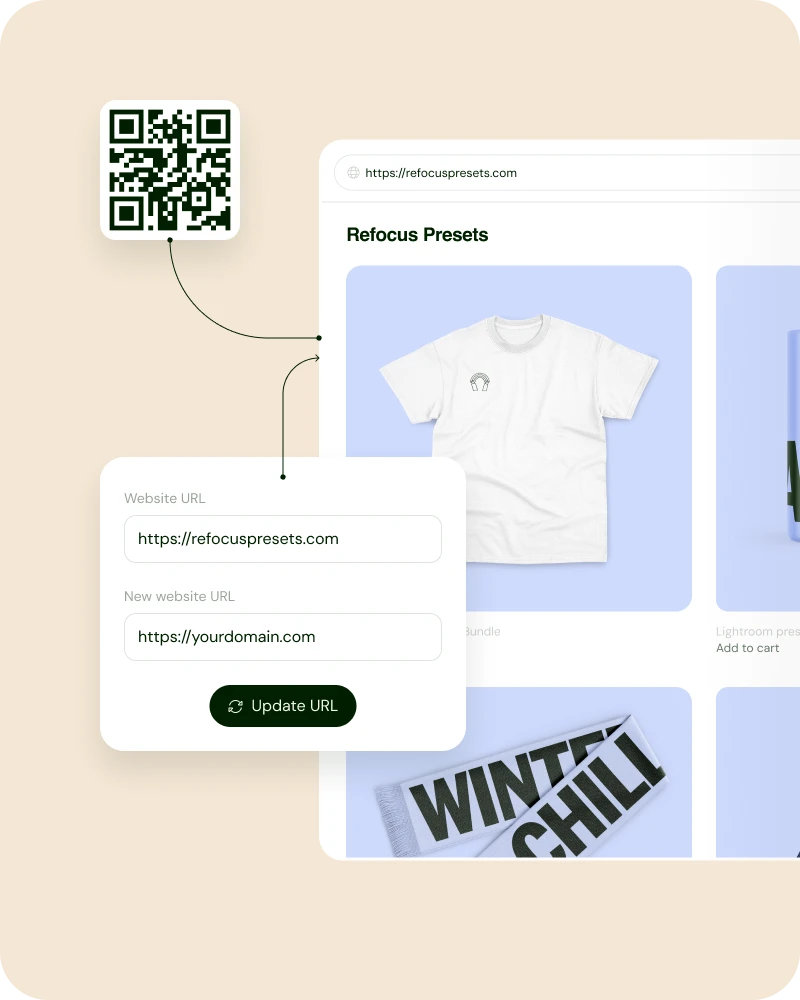
Dynamic QR code generator
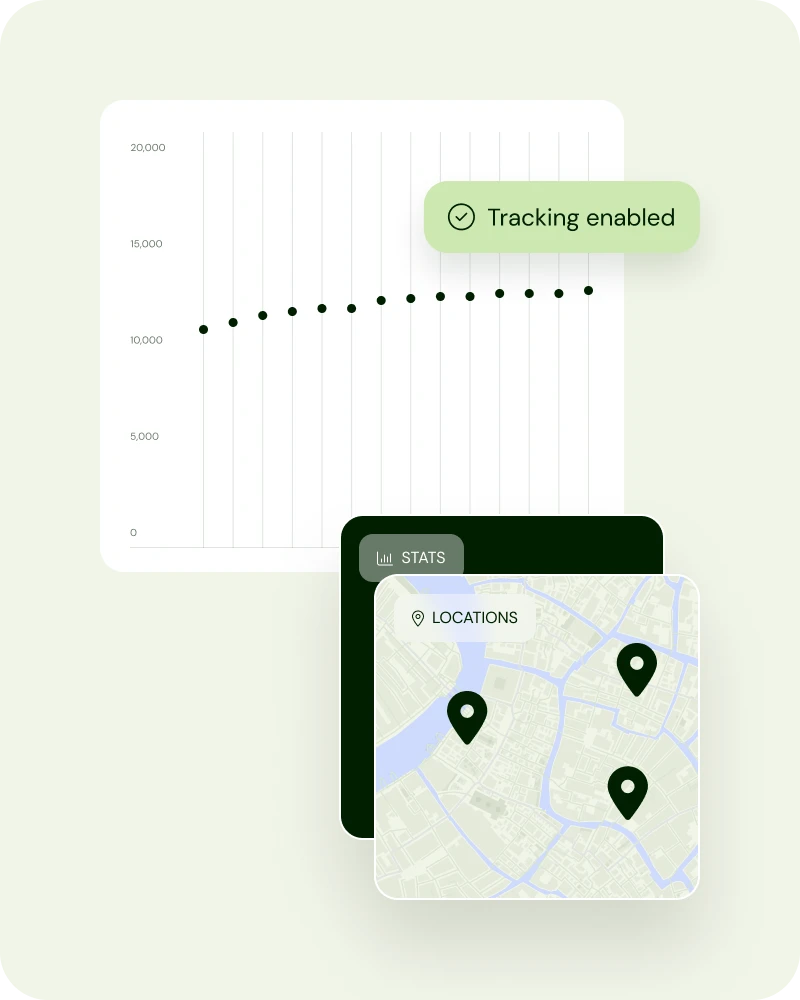
Trackable QR codes
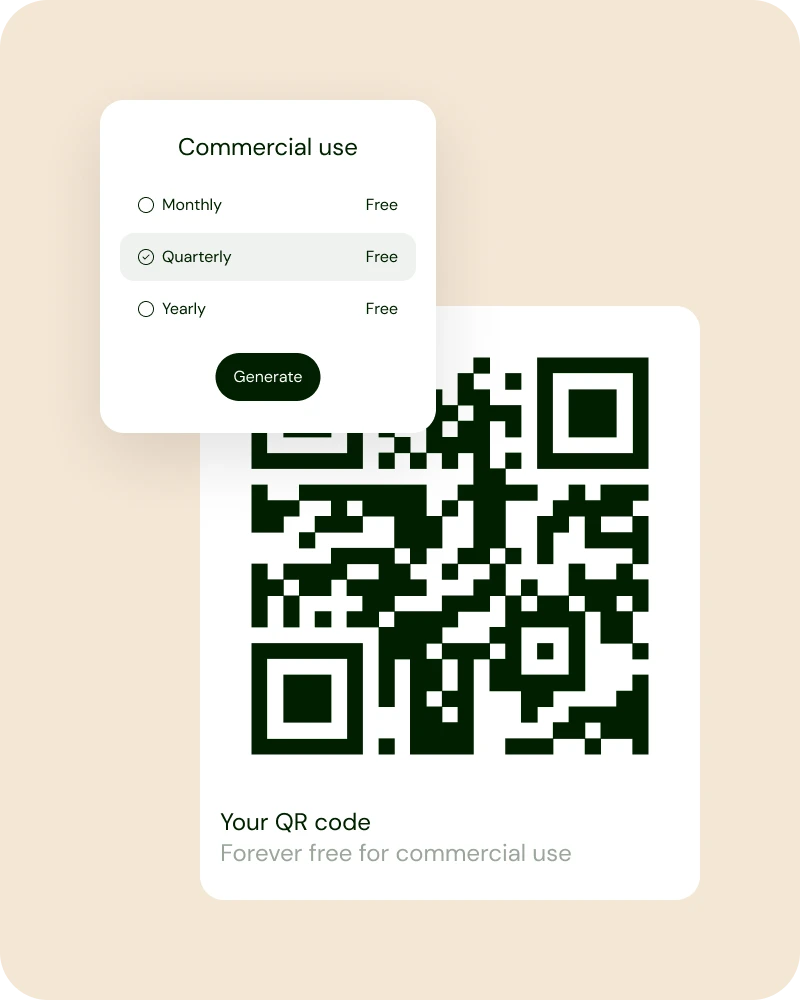
Free for commercial use
Your questions, answered
A QR code (Quick Response code) is a two-dimensional barcode that acts as a hyperlink when scanned with a phone camera. It looks like a square or round pattern and can contain a hyperlink to a website, text, image, PDF file, Wi-Fi login, contact information, payment details, or app download page.
On our platform, yes. We provide the high-octane tools you need to link your world for free. No "per-scan" charges and no hidden subscriptions. Enjoy pure creative freedom for your brand.
Drop your destination URL into our URL link to QR code tool. Choose your colors, add a logo if you’re feeling bold, and hit download. Your high-fidelity link is now a scannable asset ready for any physical or digital surface.
Absolutely! We believe creators should own their hustle. Our codes are 100% free for commercial use, meaning you can put them on products, billboards, or business cards without paying us a cent in royalties.
Codes you create with our QR code generator do not expire. They work as long as your link is live. You can create QR codes for free and have a bridge to your customers for as long as you want.
Most modern smartphones have a scanner built right into the camera. Just point the camera, focus, and tap the notification. No clunky third-party apps required. In one second, you have access to the linked URL.
Copy your Google Form’s "Send" link and paste it into our generator. It’s the fastest way to collect data at live events, workshops, or in-store pop-ups without making people type long, messy URLs.
Input your domain into the URL field. Customize the aesthetic to match your site’s branding, and download the PNG. Link your physical marketing directly to your online home in under sixty seconds.
Grab the "Share" link from your Google Doc (ensure permissions are set to 'Anyone with the link'). Drop it into our engine. Now your flyers or resumes can lead directly to your live, digital documents.
Paste your Instagram profile URL (instagram.com/yourname) into our maker. Use the round QR code feature to match the social vibe. It’s the ultimate move for growing your following from physical touchpoints.
Upload your file to a host or use our PDF to QR code feature. Users scan the code and the document opens instantly on their device. Perfect for menus, whitepapers, and digital manuals.
Copy your Facebook Page URL and drop it here. It’s the most efficient way to turn foot traffic into "Likes" and followers. Connect your physical presence to your social community instantly.
Find your "Review Link" in your Google Business Profile. Convert it to a QR code and place it at your checkout. It’s the highest-leverage way to stack 5-star reviews and dominate local search.
Right here. Our generator is built for creators who need professional-grade tools without the gatekeeper fees. High-res, customizable, and 100% free for your next big project.
The best generator offers high-res downloads (PNG/SVG), customization, and zero fees. We’ve built this tool to be the fastest, most reliable engine for creators who demand professional results without the fluff.
To generate a round QR code, click the circle icon in the Body Shape section of the tool. You can also round the inner squares by clicking the round icon in the Marker Shape section of the tool. The tool instantly generates a new round QR code that can help your brand stand out.

Open your Sellfy store today